Yoga Glow
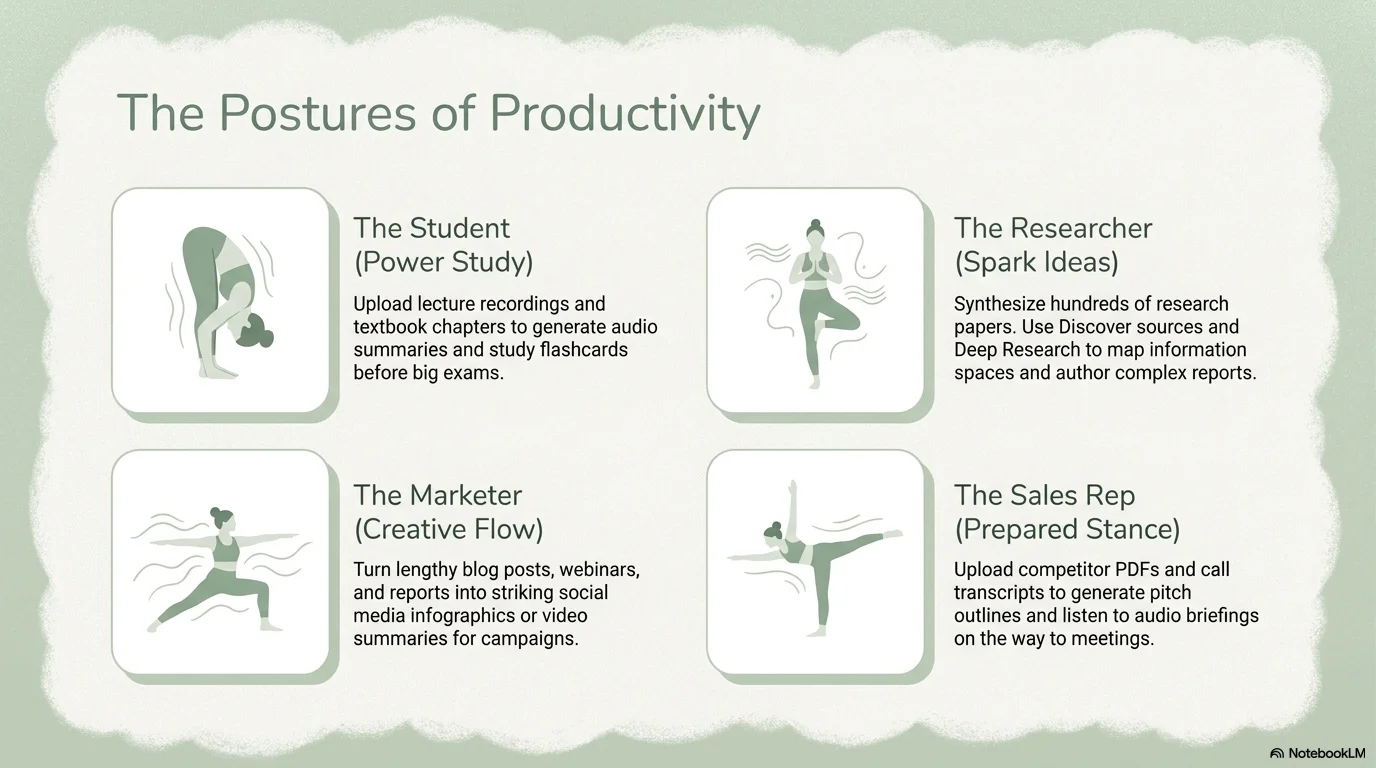
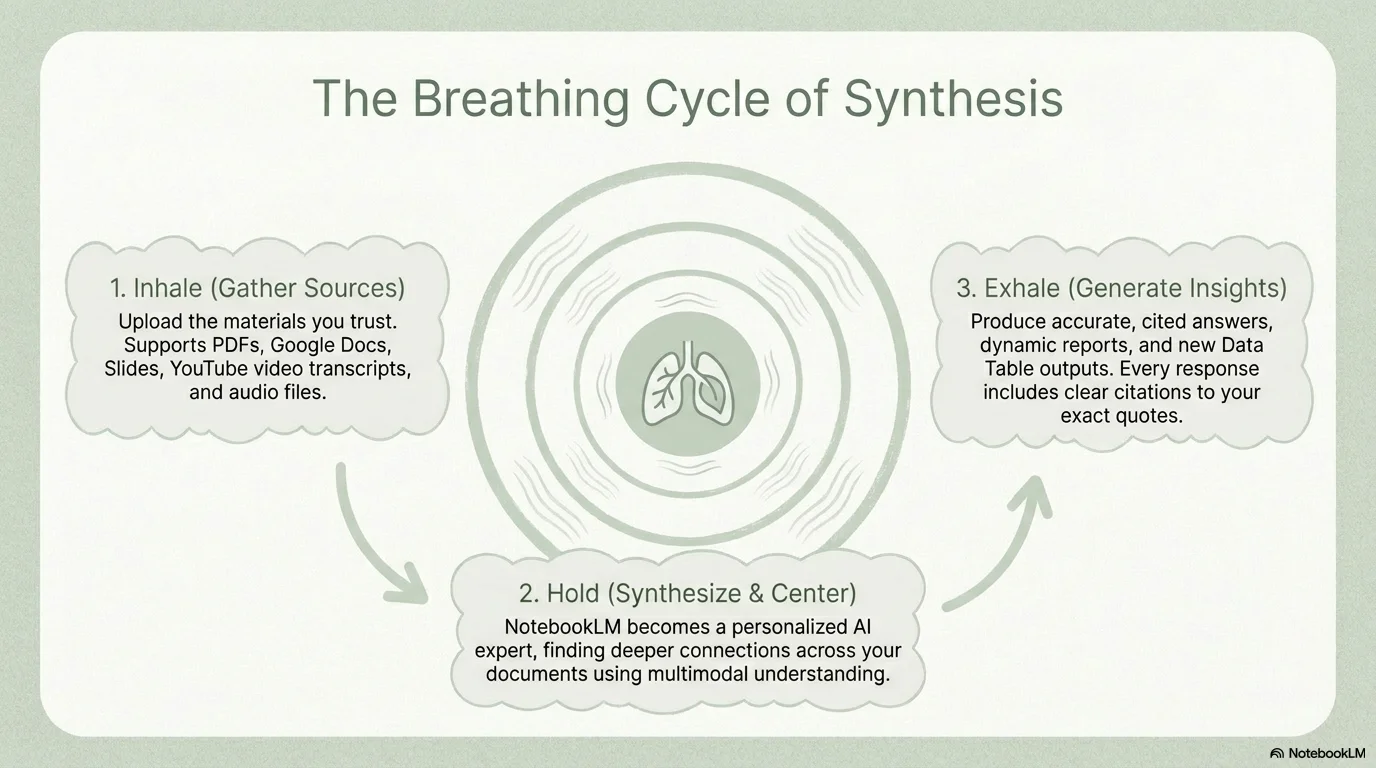
A gentle and maternal aesthetic designed for prenatal yoga, mindfulness, and conscious movement. It uses the clean Open Sauce typeface paired with soft, hand-drawn 'chalky' cloud outlines. Characterized by a soothing palette of sage greens and off-whites, it features flat illustrations of yoga poses and grainy textures to create a safe, nurturing, and calm atmosphere.

Palette
- Background
#EDF1ED - Text
#4A5D4A
Typography
- primary heading
- Open Sauce, sans-serif
- secondary heading
- Open Sauce, medium
- body text
- Open Sauce, regular
Key visual elements
- Soft cloud-like outlines with a chalky, hand-drawn texture
- Flat, minimalist illustrations of yoga poses and conscious movement
- Grainy, paper-like background textures for a tactile feel
- Rounded containers and buttons that evoke comfort and safety
YAML
description: "A gentle and maternal aesthetic designed for prenatal yoga, mindfulness, and conscious movement. It uses the clean Open Sauce typeface paired with soft, hand-drawn 'chalky' cloud outlines. Characterized by a soothing palette of sage greens and off-whites, it features flat illustrations of yoga poses and grainy textures to create a safe, nurturing, and calm atmosphere."
design_system:
  global_style:
    theme: "Yoga Glow. Soothing and nurturing design with chalky textures and sage green tones."
    typography:
      primary_heading: "Open Sauce, sans-serif"
      secondary_heading: "Open Sauce, medium"
      body_text: "Open Sauce, regular"
    color_palette:
      primary: "#819681" # Sage Green
      secondary: "#C1CDC1" # Pale Sage
      background: "#EDF1ED" # Off-White Sage
      surface: "#FFFFFF" # Pure White
      text_main: "#4A5D4A" # Dark Sage for text
      text_secondary: "#819681"
    key_visual_elements:
      - "Soft cloud-like outlines with a chalky, hand-drawn texture"
      - "Flat, minimalist illustrations of yoga poses and conscious movement"
      - "Grainy, paper-like background textures for a tactile feel"
      - "Rounded containers and buttons that evoke comfort and safety"

  image_generation_prompts:
    style_guidelines: "Gentle yoga aesthetic, soft sage green and white palette, chalky cloud outlines, flat minimalist illustrations, Open Sauce font vibe, grainy maternal atmosphere."
    themes:
      - target: "Conscious Breathing"
        prompt_elements: "Minimalist illustration of a person in a meditative pose, soft chalky clouds in the background, sage green tones, peaceful and safe."
      - target: "Gentle Stretching"
        prompt_elements: "Abstract wavy lines resembling movement, soft grainy texture, pale sage green palette, ethereal and calm."

slide_layout_templates:
  - type: "Cloud_Title"
    usage: "Title in Open Sauce centered inside a large, soft-edged chalky cloud on a sage green background"
  - type: "Illustrated_Step_Slide"
    usage: "Each point is accompanied by a small flat illustration of a yoga pose inside a rounded square"
  - type: "Safety_Checklist"
    usage: "Key points listed inside horizontal rounded containers with a soft chalky border"
  - type: "Breathing_Focus"
    usage: "A large central text block surrounded by concentric chalky circles to simulate a breathing rhythm"






Connect & Share