Misty Forest
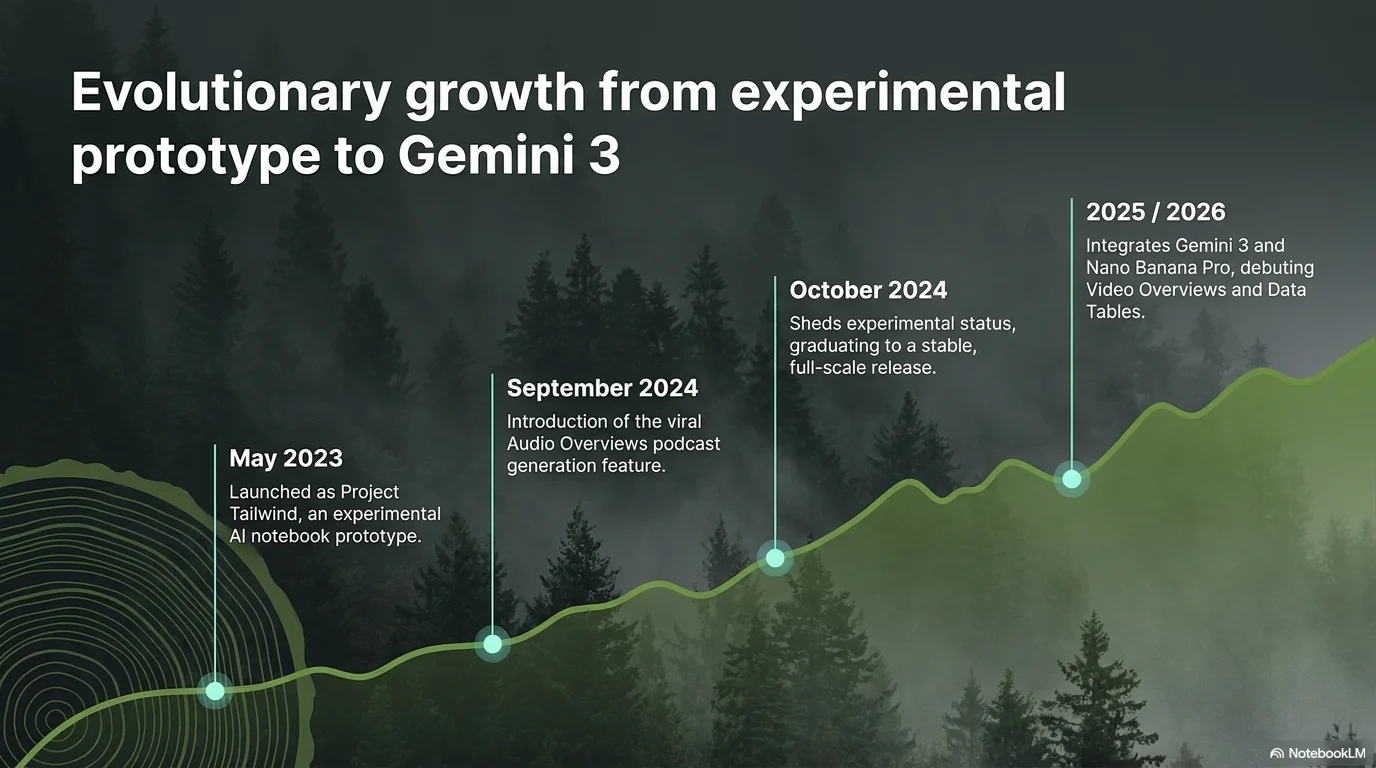
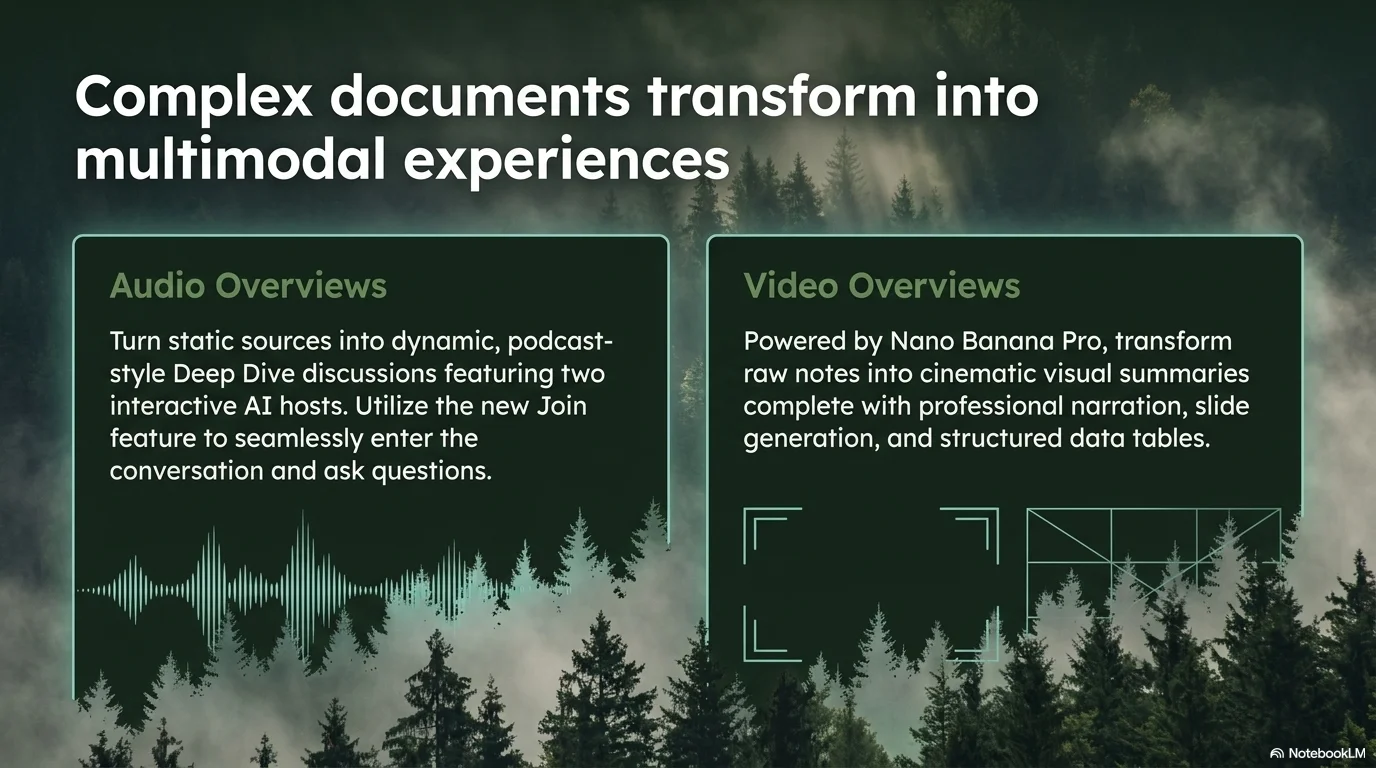
A majestic and immersive aesthetic designed for environmental conservation, ecology, and deep nature topics. It features the geometric Garet typeface. Characterized by a palette of deep forest greens, charcoal, and moss, it uses high-contrast white text over foggy forest photography to create a professional, scientific, and atmospheric editorial look.

Palette
- Background
#37474F - Text
#FFFFFF
Typography
- primary heading
- Garet, sans-serif
- secondary heading
- Garet, bold
- body text
- Garet, regular
Key visual elements
- Full-bleed background imagery of misty pine forests and foggy landscapes
- High-contrast white typography that stands out against dark green overlays
- Clean, scientific-editorial layouts with precise line spacing
- Subtle teal dividers and small moss-green accent bullets
YAML
description: "A majestic and immersive aesthetic designed for environmental conservation, ecology, and deep nature topics. It features the geometric Garet typeface. Characterized by a palette of deep forest greens, charcoal, and moss, it uses high-contrast white text over foggy forest photography to create a professional, scientific, and atmospheric editorial look."
design_system:
  global_style:
    theme: "Misty Forest. Atmospheric and majestic design with foggy forest imagery and deep greens."
    typography:
      primary_heading: "Garet, sans-serif"
      secondary_heading: "Garet, bold"
      body_text: "Garet, regular"
    color_palette:
      primary: "#004D40" # Deep Forest Green
      secondary: "#9E9D24" # Moss Green
      background: "#37474F" # Charcoal/Dark Slate
      surface: "#00241F" # Darkest Green Surface
      text_main: "#FFFFFF" # High Contrast White
      text_secondary: "#B2DFDB" # Light Teal
    key_visual_elements:
      - "Full-bleed background imagery of misty pine forests and foggy landscapes"
      - "High-contrast white typography that stands out against dark green overlays"
      - "Clean, scientific-editorial layouts with precise line spacing"
      - "Subtle teal dividers and small moss-green accent bullets"

  image_generation_prompts:
    style_guidelines: "Immersive nature photography, foggy pine forest, deep green and charcoal palette, high contrast, Garet font vibe, professional ecological editorial look."
    themes:
      - target: "Biodiversity Conservation"
        prompt_elements: "Close-up of a pine branch in a misty forest, deep greens, cinematic lighting, high-end environmental magazine style."
      - target: "The Future of Forests"
        prompt_elements: "A vast landscape of foggy mountains covered in trees, charcoal sky, mysterious and majestic atmosphere."

slide_layout_templates:
  - type: "Forest_Intro"
    usage: "Large Garet title centered over a full-bleed foggy forest image with a dark green gradient overlay"
  - type: "Scientific_Editorial"
    usage: "Text arranged in three clean columns over a dark charcoal background with a small forest inset photo"
  - type: "Conservation_Strategy"
    usage: "Key points listed with moss-green accent bullets on a deep forest green surface"
  - type: "Impact_Slide"
    usage: "A single large number or word in Garet bold centered on a misty background to emphasize scale"






Connect & Share