Artisanal Bloom
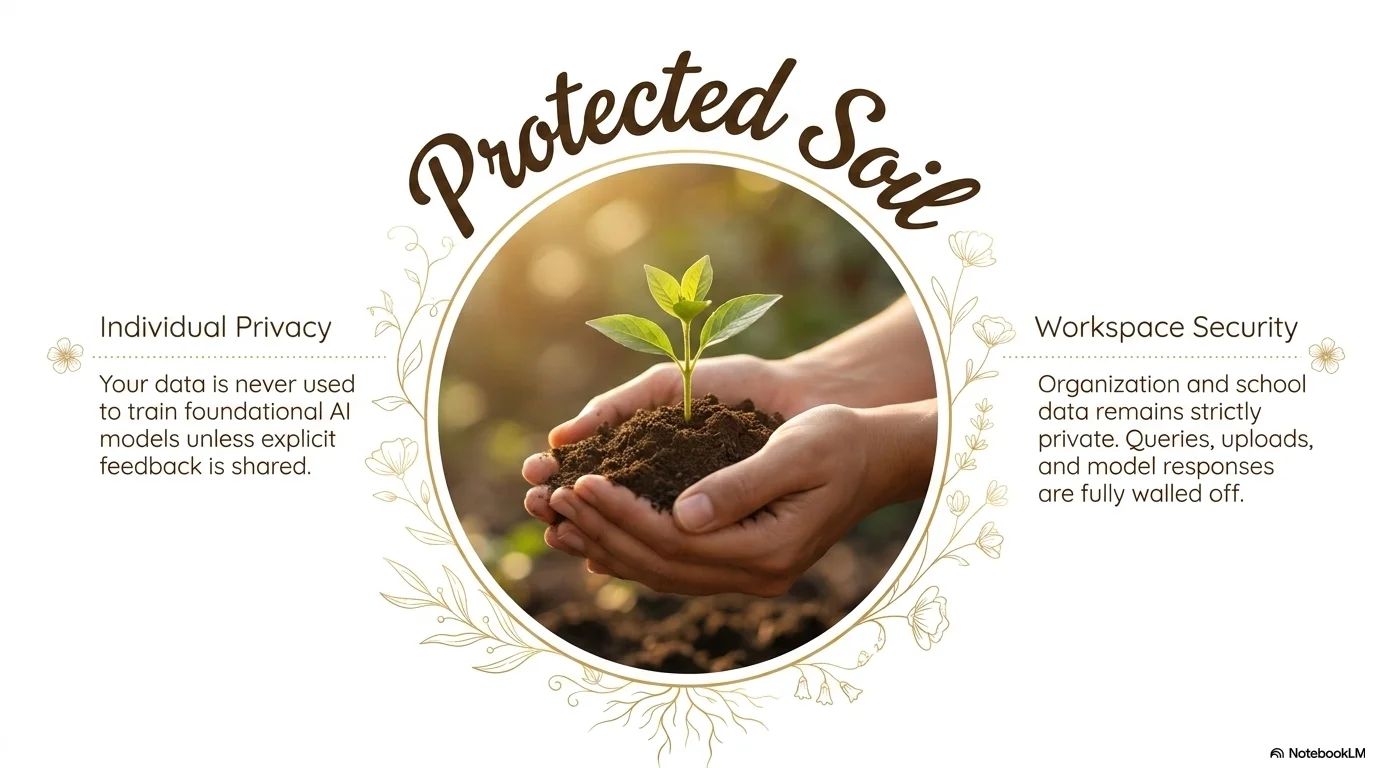
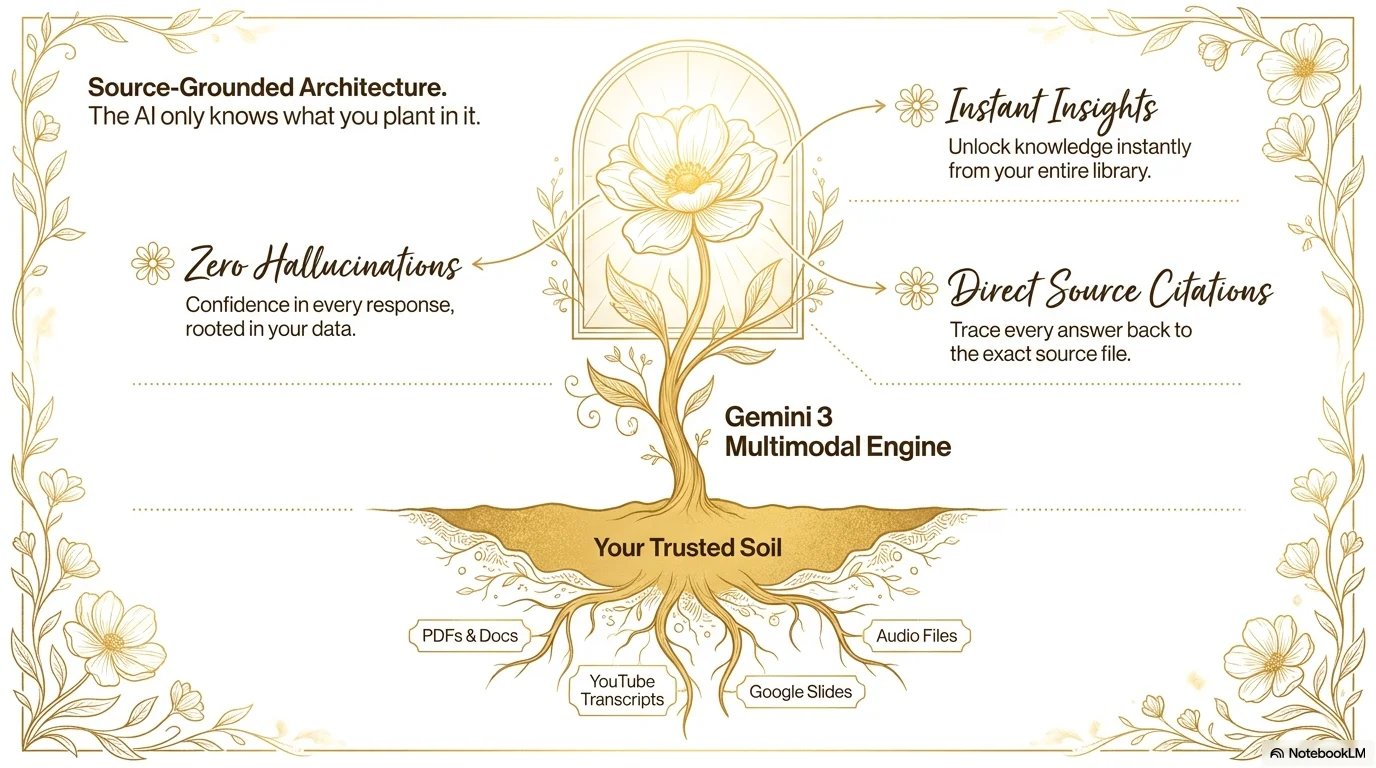
A warm and organic aesthetic inspired by artisanal floriculture and botanical heritage. It features the flowing Bakerie script for headlines and the clean, modern TT DRUGS for body text. Characterized by a sun-drenched palette of ochre, golden yellow, and warm beige, it uses fine-line botanical illustrations, circular framing, and elegant timeline layouts to create a sense of growth, quality, and natural beauty.

Palette
- Background
#FFF3E0 - Text
#4E342E
Typography
- primary heading
- Bakerie, script
- secondary heading
- TT DRUGS, regular
- body text
- TT DRUGS, light
Key visual elements
- Fine-line golden botanical illustrations (tulips, roses)
- Circular and arched frames for photography
- Dotted horizontal lines for timelines and separators
- Minimalist flower icons as bullet points
YAML
description: "A warm and organic aesthetic inspired by artisanal floriculture and botanical heritage. It features the flowing Bakerie script for headlines and the clean, modern TT DRUGS for body text. Characterized by a sun-drenched palette of ochre, golden yellow, and warm beige, it uses fine-line botanical illustrations, circular framing, and elegant timeline layouts to create a sense of growth, quality, and natural beauty."
design_system:
  global_style:
    theme: "Artisanal Bloom. Warm botanical design with an organic, handcrafted feel."
    typography:
      primary_heading: "Bakerie, script"
      secondary_heading: "TT DRUGS, regular"
      body_text: "TT DRUGS, light"
    color_palette:
      primary: "#B07D05" # Golden Ochre
      secondary: "#E6A100" # Warm Yellow
      background: "#FFF3E0" # Soft Beige
      surface: "#FFFFFF" # Pure White
      text_main: "#4E342E" # Deep Earth Brown
      text_secondary: "#B07D05"
    key_visual_elements:
      - "Fine-line golden botanical illustrations (tulips, roses)"
      - "Circular and arched frames for photography"
      - "Dotted horizontal lines for timelines and separators"
      - "Minimalist flower icons as bullet points"

  image_generation_prompts:
    style_guidelines: "Sun-drenched botanical photography, fields of flowers, warm golden lighting, fine-line floral sketches, ochre and beige palette, Bakerie font vibe."
    themes:
      - target: "Heritage and Growth"
        prompt_elements: "Close-up of a golden flower in a sunlit field, soft focus background, warm and organic atmosphere, artisanal feel."
      - target: "Natural Quality"
        prompt_elements: "Hands holding a fresh bouquet of flowers, soft natural lighting, warm beige background, professional botanical look."

slide_layout_templates:
  - type: "Botanical_Hero_Cover"
    usage: "Large Bakerie title next to a fine-line tulip illustration on a warm beige background"
  - type: "Artisanal_Timeline"
    usage: "Horizontal dotted timeline with golden nodes and Bakerie date labels"
  - type: "Arched_Product_Gallery"
    usage: "Three arched image containers for different flower varieties with ocre captions"
  - type: "Organic_Contact"
    usage: "Contact info with small flower icons and a central 'Trabajemos Juntos' call to action"






Connect & Share