Monster Party
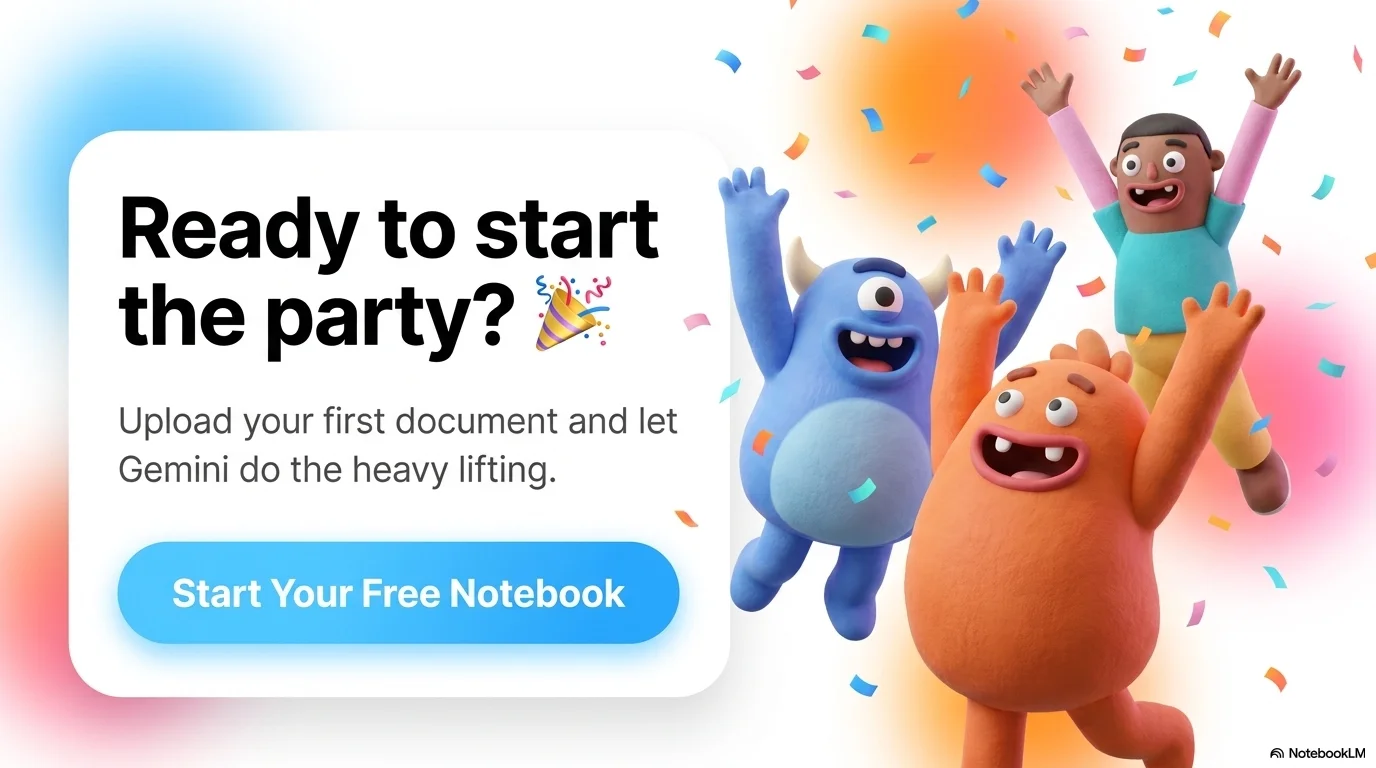
A joyful and high-energy aesthetic designed for anniversaries, celebrations, and playful presentations. It features the clean geometric Open Sauce typeface. Characterized by a white background with vibrant, glowing color blobs, it uses expressive 3D monster characters and floral mascots to create a friendly, modern, and festive atmosphere.

Palette
- Background
#FFFFFF - Text
#000000
Typography
- primary heading
- Open Sauce, sans-serif
- secondary heading
- Open Sauce, bold
- body text
- Open Sauce, regular
Key visual elements
- Playful 3D-rendered monster characters with expressive faces
- Gradients and glowing color blobs (blue, orange, pink) in the background
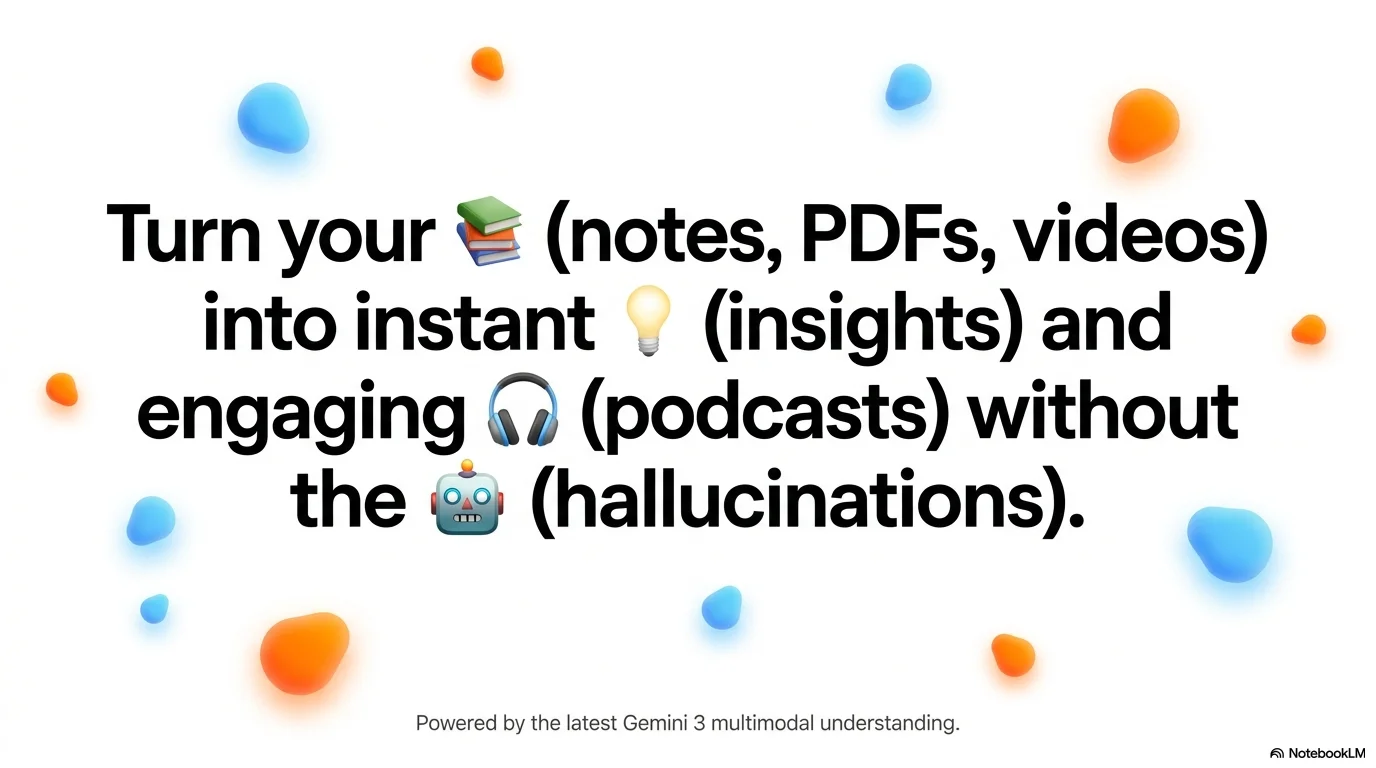
- Large bold headers mixed with colorful emojis
- Clean, high-contrast layouts that feel airy and modern
YAML
description: "A joyful and high-energy aesthetic designed for anniversaries, celebrations, and playful presentations. It features the clean geometric Open Sauce typeface. Characterized by a white background with vibrant, glowing color blobs, it uses expressive 3D monster characters and floral mascots to create a friendly, modern, and festive atmosphere."
design_system:
  global_style:
    theme: "Monster Party. Joyful and vibrant design with 3D mascots for celebrations and friendly events."
    typography:
      primary_heading: "Open Sauce, sans-serif"
      secondary_heading: "Open Sauce, bold"
      body_text: "Open Sauce, regular"
    color_palette:
      primary: "#90CAF9" # Sky Blue Blob
      secondary: "#FFA726" # Vibrant Orange Blob
      background: "#FFFFFF" # Clean White Background
      surface: "#F5F5F5" # Light Gray Surface
      text_main: "#000000" # Solid Black for impact
      text_secondary: "#616161"
    key_visual_elements:
      - "Playful 3D-rendered monster characters with expressive faces"
      - "Gradients and glowing color blobs (blue, orange, pink) in the background"
      - "Large bold headers mixed with colorful emojis"
      - "Clean, high-contrast layouts that feel airy and modern"

  image_generation_prompts:
    style_guidelines: "Joyful 3D monster characters, vibrant color blobs, white background, high-energy celebration style, Open Sauce font aesthetic, cute and modern mascots."
    themes:
      - target: "Greeting Slide"
        prompt_elements: "A cute 3D yellow sun monster waving, vibrant blue and orange blobs in the background, white space, joyful expression."
      - target: "Success Page"
        prompt_elements: "A group of 3D monster friends celebrating, confetti, bright gradients, modern and clean 3D render."

slide_layout_templates:
  - type: "Monster_Cover"
    usage: "Large bold black title on white with a giant 3D mascot and floating color blobs"
  - type: "Character_Quote"
    usage: "A 3D character next to a speech bubble containing a testimonial or key message"
  - type: "Vibrant_Resource_Grid"
    usage: "A grid of icons where each cell has a subtle glowing blob of a different color behind it"
  - type: "Emoji_Headline"
    usage: "A slide dominated by a large headline where key words are replaced or supplemented by emojis"






Connect & Share