Digital Nomad
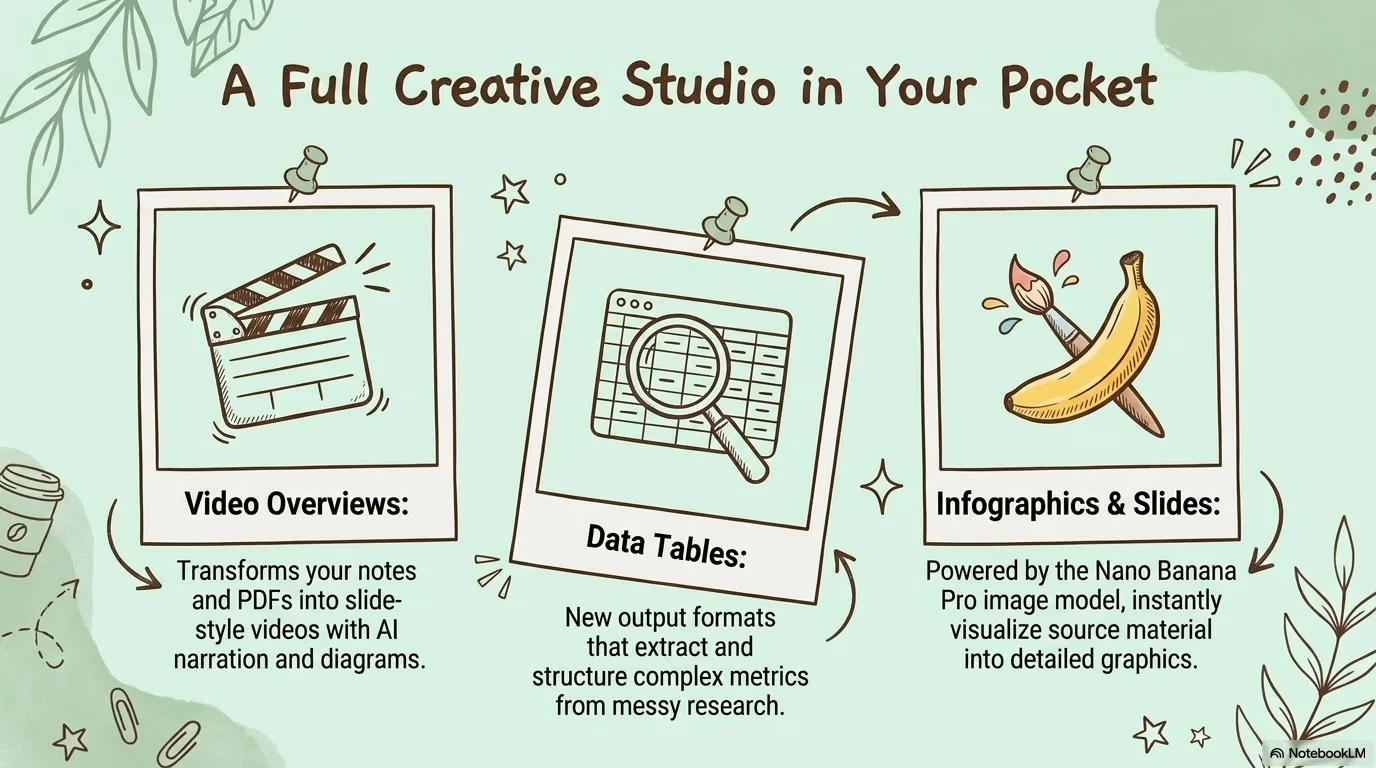
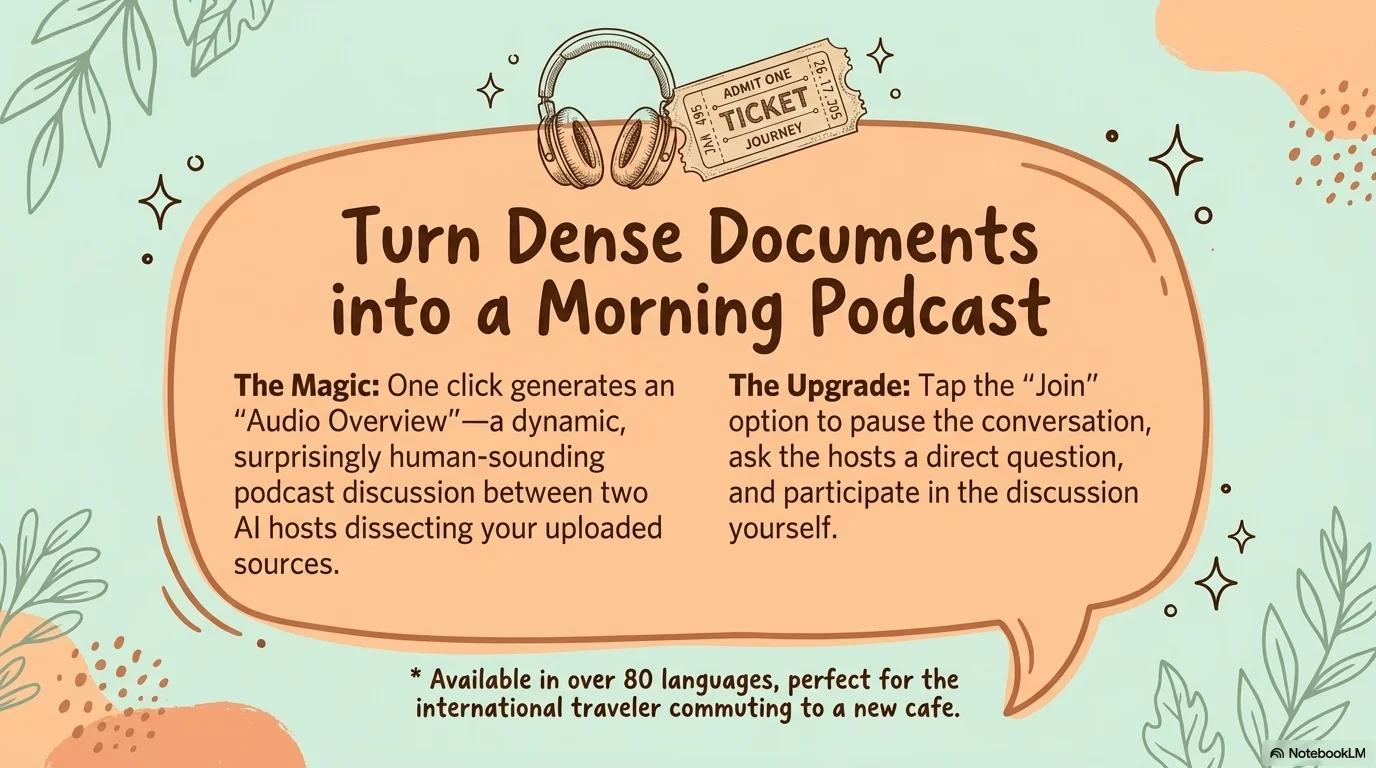
A cozy and creative aesthetic designed for digital nomads, remote work culture, and lifestyle storytelling. It features the playful, hand-drawn A Day Without Sun typeface for headlines, bringing a personal and homey touch. Characterized by a palette of soft mint, warm peach, and chocolate brown, it uses charming doodle illustrations of workspace elements, plants, and coffee to create an inviting and imaginative atmosphere.

Palette
- Background
#B2DFDB - Text
#3E2723
Typography
- primary heading
- A Day Without Sun, handwriting
- secondary heading
- Open Sauce, bold
- body text
- Open Sauce, regular
Key visual elements
- Hand-drawn doodle illustrations of laptops, monitors, clocks, and desk plants
- Rounded, hand-drawn rectangular containers for text and images
- Soft, organic shapes used as background 'blobs'
- Playful icons like coffee mugs, lightbulbs, and paperclips
YAML
description: "A cozy and creative aesthetic designed for digital nomads, remote work culture, and lifestyle storytelling. It features the playful, hand-drawn A Day Without Sun typeface for headlines, bringing a personal and homey touch. Characterized by a palette of soft mint, warm peach, and chocolate brown, it uses charming doodle illustrations of workspace elements, plants, and coffee to create an inviting and imaginative atmosphere."
design_system:
  global_style:
    theme: "Digital Nomad. Cozy illustrated design with a playful doodle aesthetic."
    typography:
      primary_heading: "A Day Without Sun, handwriting"
      secondary_heading: "Open Sauce, bold"
      body_text: "Open Sauce, regular"
    color_palette:
      primary: "#3E2723" # Chocolate Brown
      secondary: "#A5D6A7" # Sage Green
      background: "#B2DFDB" # Mint Green
      surface: "#FFCCBC" # Warm Peach Surface
      text_main: "#3E2723"
      text_secondary: "#5D4037"
    key_visual_elements:
      - "Hand-drawn doodle illustrations of laptops, monitors, clocks, and desk plants"
      - "Rounded, hand-drawn rectangular containers for text and images"
      - "Soft, organic shapes used as background 'blobs'"
      - "Playful icons like coffee mugs, lightbulbs, and paperclips"

  image_generation_prompts:
    style_guidelines: "Whimsical hand-drawn illustrations, cozy workspace setup, mint green and peach palette, soft lighting, playful doodle aesthetic, A Day Without Sun font vibe."
    themes:
      - target: "Creative Inspiration"
        prompt_elements: "A hand-drawn illustration of a cozy desk with a laptop, a cup of coffee, and a small plant, mint green background, warm and inviting."
      - target: "The Nomad Lifestyle"
        prompt_elements: "A whimsical doodle of a globe and a backpack, surrounded by small sparkles and hand-drawn lines, peach and chocolate brown tones."

slide_layout_templates:
  - type: "Doodle_Workspace_Cover"
    usage: "Large A Day Without Sun title next to a hand-drawn monitor or desk illustration on a mint green background"
  - type: "Cozy_Story_Slide"
    usage: "Text contained in a hand-drawn peach bubble with small plant doodles in the corners"
  - type: "Nomad_Stats_Handmade"
    usage: "Data points represented with hand-drawn icons (clocks, lightbulbs) and chocolate brown text"
  - type: "Illustrated_Comparison"
    usage: "Two hand-drawn containers side-by-side with playful doodle arrows connecting them"






Connect & Share