Kawaii Pop
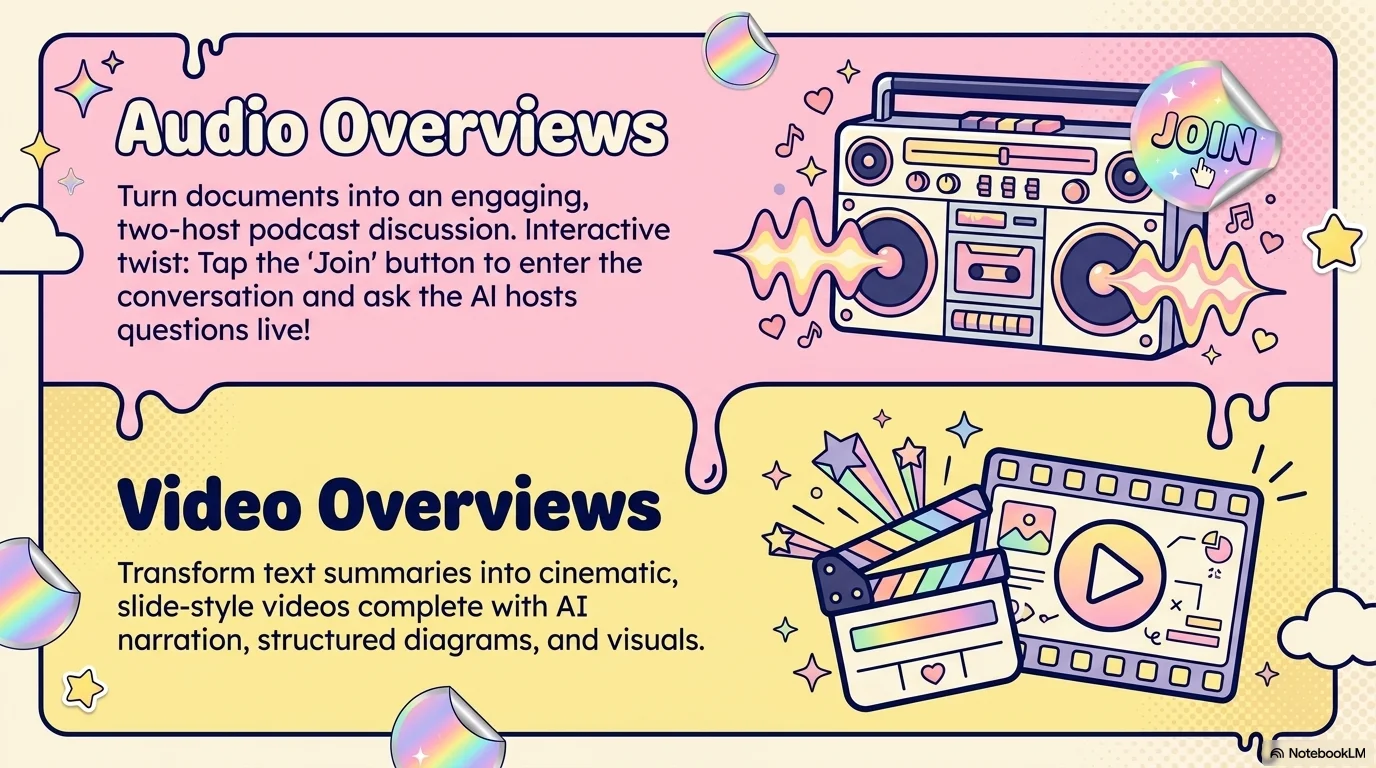
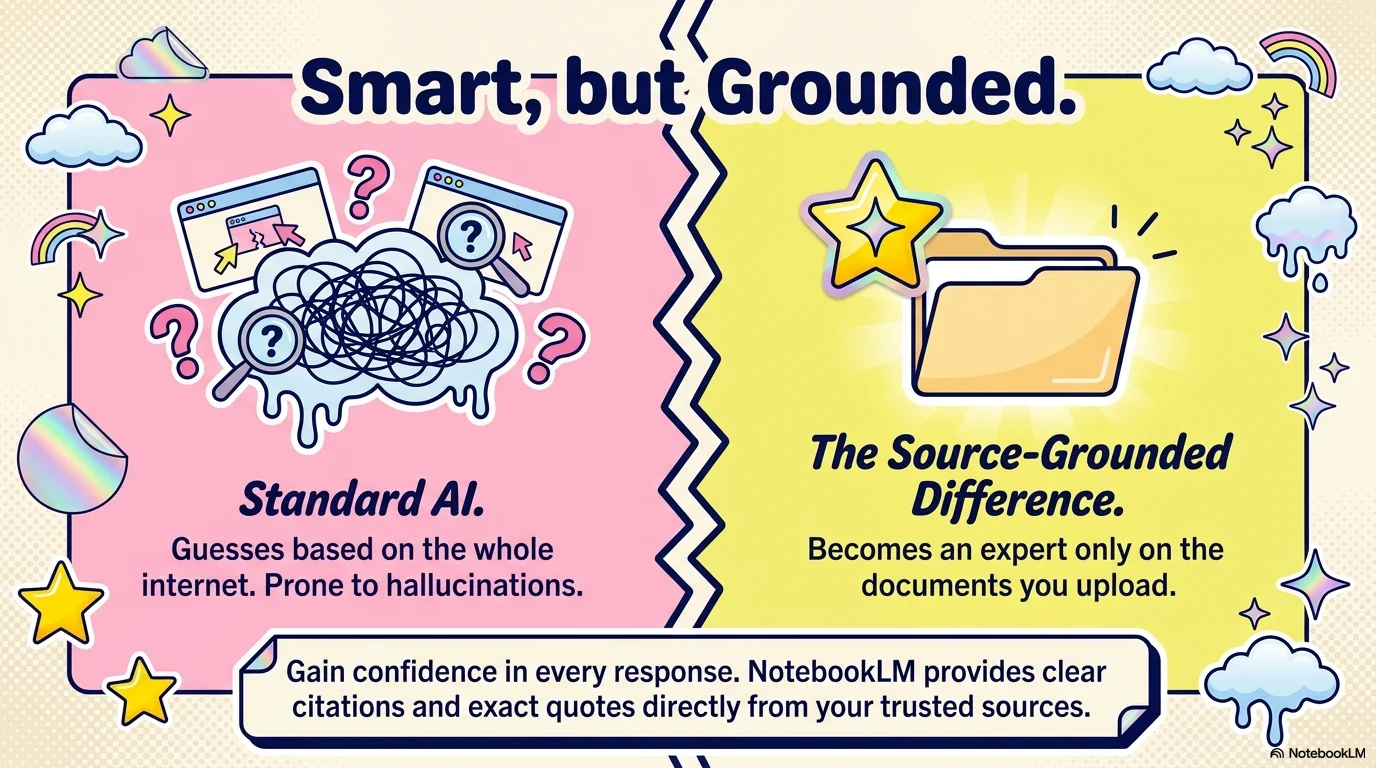
A vibrant and joyful aesthetic that blends Japanese Kawaii culture with Y2K pop art. It features the playful Genty script for expressive headlines and Hero for clean body text. Characterized by a cream background with pastel pink and yellow accents, it uses halftone patterns, bubbly clouds, and melting shapes to create a personalized and creative atmosphere.

Palette
- Background
#FFF9F0 - Text
#1A237E
Typography
- primary heading
- Garet, sans-serif
- secondary heading
- Genty, cursive
- body text
- Hero, regular
Key visual elements
- Halftone (dot) patterns in the background for a pop-art feel
- Bubbly, multi-colored clouds and melting liquid shapes
- Sticker-like sparkles, stars, and rainbow motifs
- Thick, playful outlines around images and containers
YAML
description: "A vibrant and joyful aesthetic that blends Japanese Kawaii culture with Y2K pop art. It features the playful Genty script for expressive headlines and Hero for clean body text. Characterized by a cream background with pastel pink and yellow accents, it uses halftone patterns, bubbly clouds, and melting shapes to create a personalized and creative atmosphere."
design_system:
  global_style:
    theme: "Kawaii Pop. Joyful and expressive design with a mix of Y2K and Japanese cute culture."
    typography:
      primary_heading: "Garet, sans-serif" # Using Garet as a fallback for the bubbly feel if Genty isn't available
      secondary_heading: "Genty, cursive"
      body_text: "Hero, regular"
    color_palette:
      primary: "#F8BBD0" # Pastel Pink
      secondary: "#FFF59D" # Pastel Yellow
      background: "#FFF9F0" # Soft Cream
      surface: "#1A237E" # Deep Navy for high contrast
      text_main: "#1A237E"
      text_secondary: "#F8BBD0"
    key_visual_elements:
      - "Halftone (dot) patterns in the background for a pop-art feel"
      - "Bubbly, multi-colored clouds and melting liquid shapes"
      - "Sticker-like sparkles, stars, and rainbow motifs"
      - "Thick, playful outlines around images and containers"

  image_generation_prompts:
    style_guidelines: "Kawaii pop art aesthetic, pastel pink and yellow palette, halftone patterns, bubbly clouds and stars, Y2K vibe, joyful and creative atmosphere."
    themes:
      - target: "Creative Works"
        prompt_elements: "An artist studio filled with cute stickers, pastel clouds floating around, halftone dot background, vibrant and fun."
      - target: "About Me"
        prompt_elements: "A friendly workspace with a laptop, stars and sparkles everywhere, soft cream and pink tones, kawaii illustration style."

slide_layout_templates:
  - type: "Kawaii_Hero_Cover"
    usage: "Large pink Genty title surrounded by bubbly clouds and yellow stars on a cream background"
  - type: "Halftone_Gallery"
    usage: "A grid of photos where each one has a thick navy border and sits on a halftone-patterned section"
  - type: "Sparkle_Sticker_Points"
    usage: "Bullet points marked by different sticker-like icons (stars, hearts, clouds)"
  - type: "Melting_Section_Divider"
    usage: "A slide where a large yellow 'melting' shape separates the top and bottom content areas"






Connect & Share