Fandom Noir
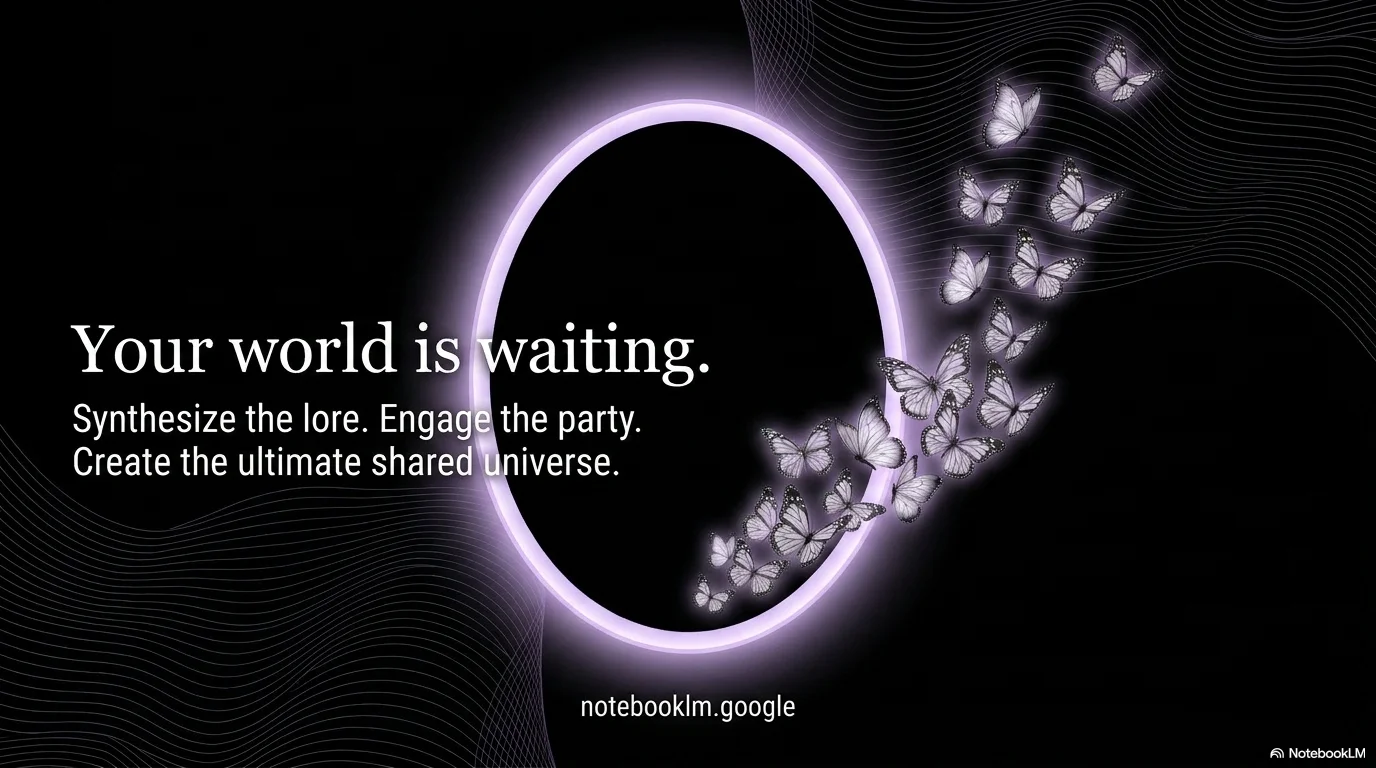
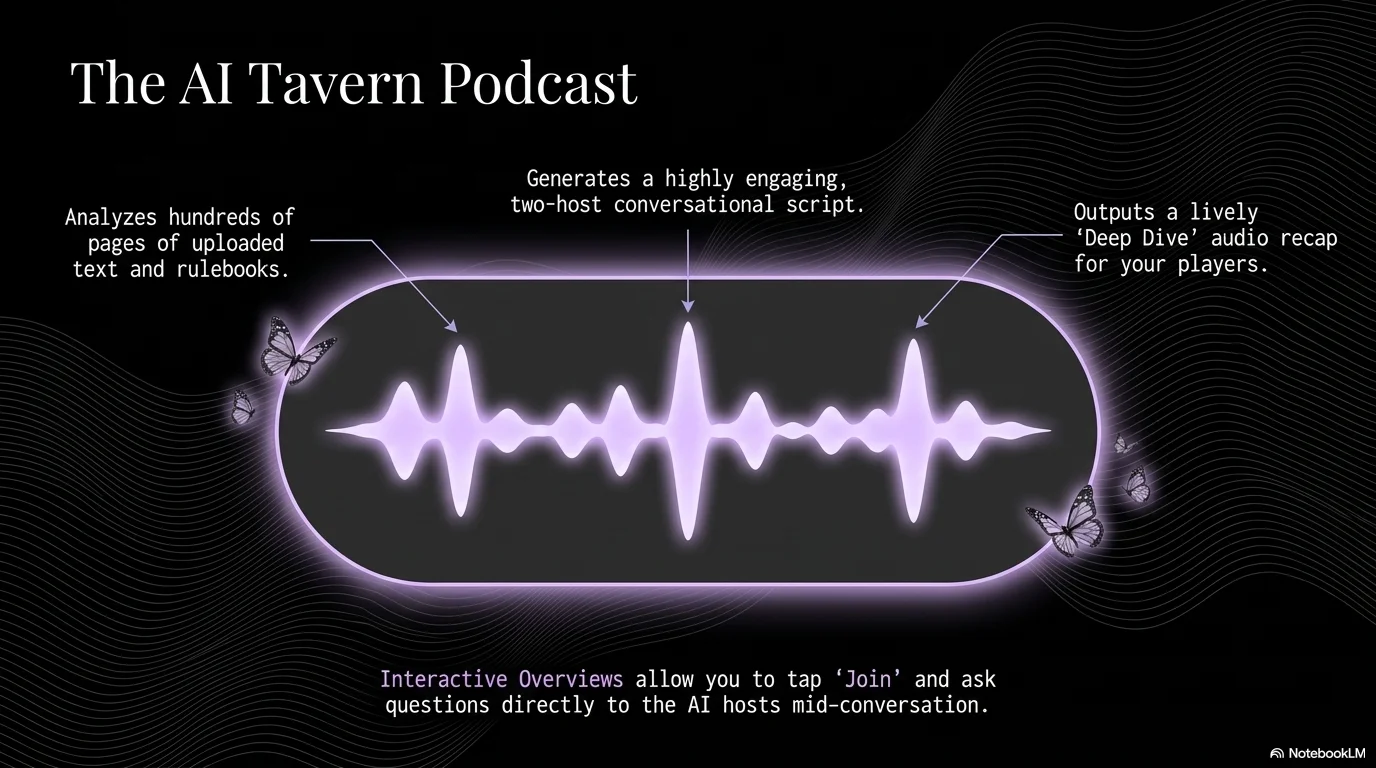
An elegant and moody aesthetic designed for fandom nights and social games. It pairs the high-contrast Astoria serif with the technical Neue Machina sans-serif. Characterized by a deep black background with soft lavender accents, it features monochrome butterfly motifs, glowing oval portraits, and subtle wavy lines to create a sophisticated yet mysterious community atmosphere.

Palette
- Background
#000000 - Text
#FFFFFF
Typography
- primary heading
- Astoria, serif
- secondary heading
- Neue Machina, bold
- body text
- Neue Machina, regular
Key visual elements
- Monochrome butterfly icons scattered across the layout
- Glowing oval-shaped containers for portraits and featured images
- Subtle, fine-lined wavy patterns in the background
- High-contrast layouts with bold typography on dark backgrounds
YAML
description: "An elegant and moody aesthetic designed for fandom nights and social games. It pairs the high-contrast Astoria serif with the technical Neue Machina sans-serif. Characterized by a deep black background with soft lavender accents, it features monochrome butterfly motifs, glowing oval portraits, and subtle wavy lines to create a sophisticated yet mysterious community atmosphere."
design_system:
  global_style:
    theme: "Fandom Noir. Sophisticated and moody design for social games and high-end community events."
    typography:
      primary_heading: "Astoria, serif"
      secondary_heading: "Neue Machina, bold"
      body_text: "Neue Machina, regular"
    color_palette:
      primary: "#D1C4E9" # Soft Lavender
      secondary: "#000000" # Deep Black
      background: "#000000" # Black Background
      surface: "#1A1A1A" # Dark Gray Surface
      text_main: "#FFFFFF" # Pure White text
      text_secondary: "#D1C4E9" # Lavender text for accents
    key_visual_elements:
      - "Monochrome butterfly icons scattered across the layout"
      - "Glowing oval-shaped containers for portraits and featured images"
      - "Subtle, fine-lined wavy patterns in the background"
      - "High-contrast layouts with bold typography on dark backgrounds"

  image_generation_prompts:
    style_guidelines: "Moody and elegant fandom photography, black and lavender palette, glowing oval frames, monochrome butterflies, Neue Machina and Astoria font aesthetic, sophisticated night vibe."
    themes:
      - target: "Game Rules"
        prompt_elements: "A stylish monochrome butterfly, soft lavender glow, deep black background, elegant and technical typography."
      - target: "Community Portraits"
        prompt_elements: "Close-up of friends laughing in a glowing lavender oval, moody lighting, black background, high-end editorial style."

slide_layout_templates:
  - type: "Noir_Cover"
    usage: "Large Astoria title in white on a black background with a subtle lavender glow and a butterfly icon"
  - type: "Glowing_Oval_Feature"
    usage: "Two or three glowing oval image frames with technical labels in Neue Machina"
  - type: "Wavy_Rule_Slide"
    usage: "Text centered over a fine wavy pattern with a lavender border"
  - type: "Dark_Resource_Page"
    usage: "Icons and elements in white and lavender on a dark gray grid"






Connect & Share