Structured Mint
Professional, structured, and refreshing corporate design. Features distinctive tiered corner frames in mint green and dark teal, offering a clean and organized frame for business presentations.
Palette
- Primary
#557A68 - Background
#FFFFFF - Text
#263238
Typography
- primary heading
- Bold geometric sans-serif (e.g., Montserrat), uppercase, wide tracking
- secondary heading
- Medium sans-serif (e.g., Inter), clean, high legibility
- body text
- Functional sans-serif, optimized for readability with airy line-height
Key visual elements
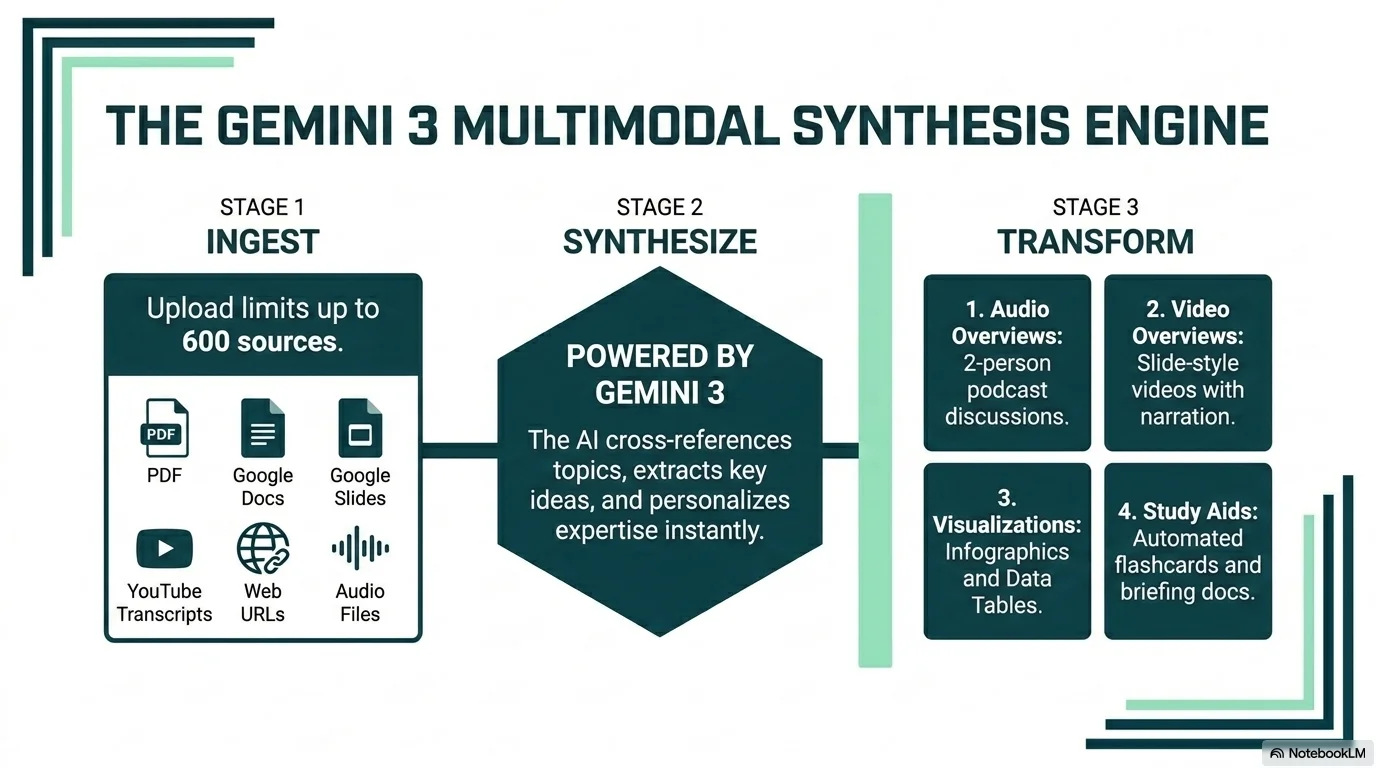
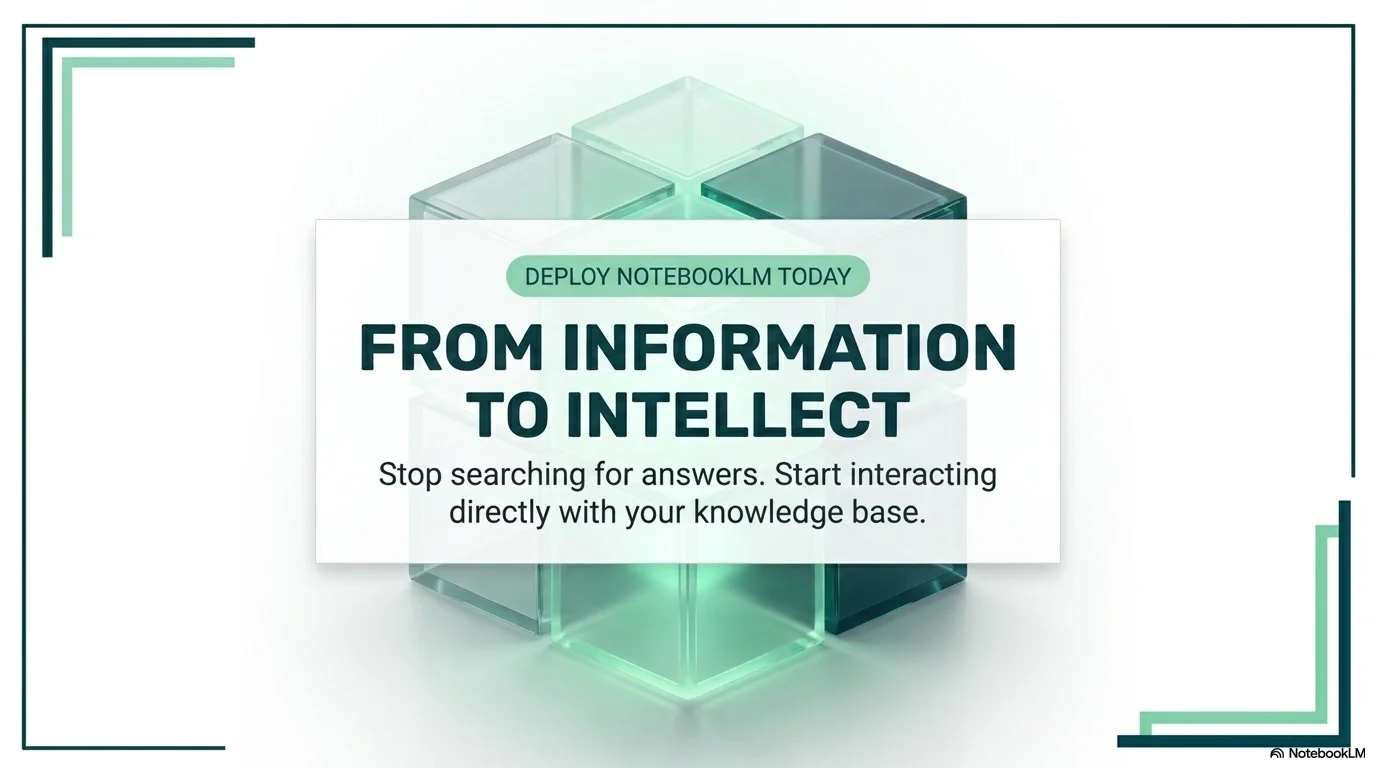
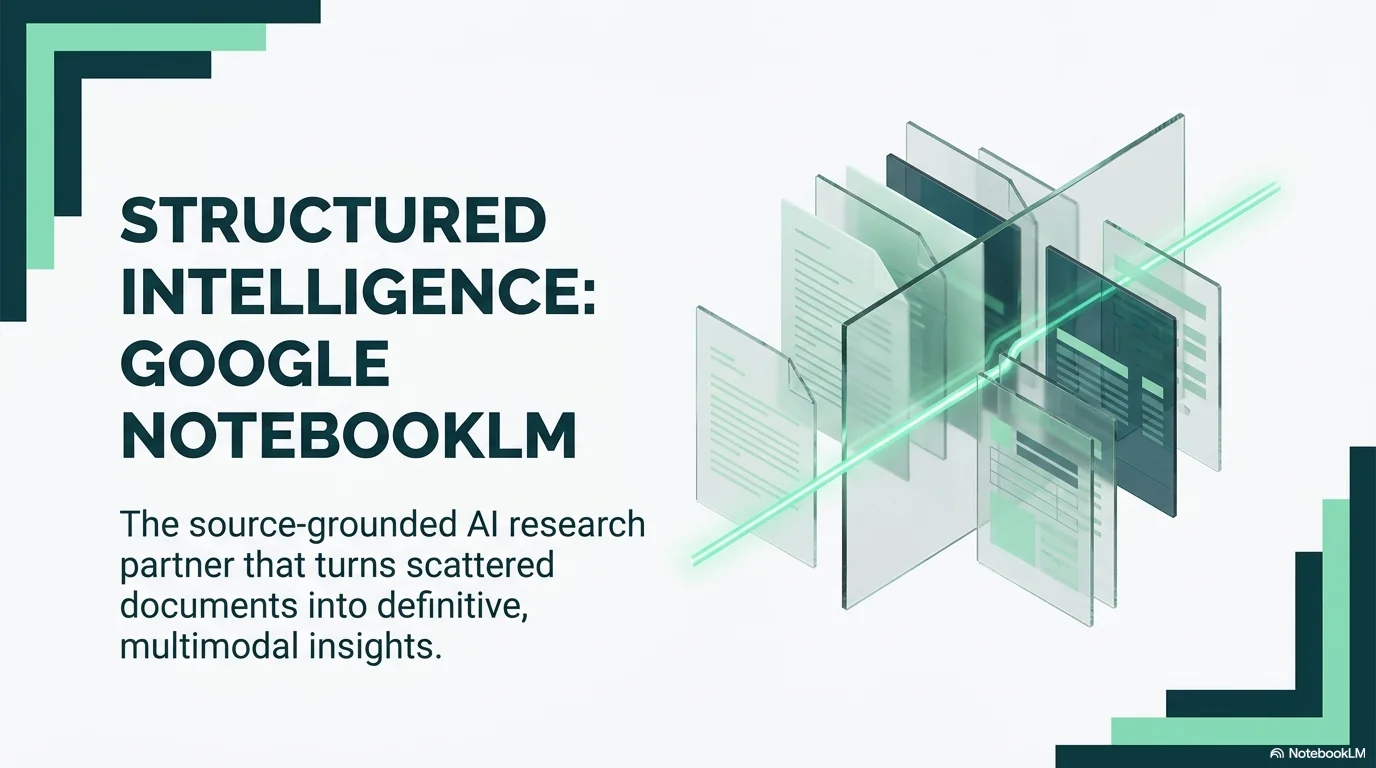
- Tiered corner frames (Mint and Teal accents)
- Pill-shaped category tags with background fills
- Numbered grid boxes for structured content
- Vertical mint-green accent bars for split layouts
YAML
design_system:
  global_style:
    theme: "Corporate, structured, and refreshing. High-fidelity business aesthetic using mint-green corner accents, dark teal typography, and multi-layered frames."
    typography:
      primary_heading: "Bold geometric sans-serif (e.g., Montserrat), uppercase, wide tracking"
      secondary_heading: "Medium sans-serif (e.g., Inter), clean, high legibility"
      body_text: "Functional sans-serif, optimized for readability with airy line-height"
    color_palette:
      primary_color: "#557A68" # Darker teal for text and icons
      background: "#FFFFFF"
      accent_mint: "#B2EBF2" # Soft mint-green for accents and frames
      text_main: "#263238" # Deep charcoal-teal
    key_visual_elements:
      - "Tiered corner frames (Mint and Teal accents)"
      - "Pill-shaped category tags with background fills"
      - "Numbered grid boxes for structured content"
      - "Vertical mint-green accent bars for split layouts"

  image_generation_prompts:
    style_guidelines: "Corporate photography, bright natural lighting, modern professional settings, clean white backgrounds with mint and teal accents, minimalist and organized vibe."
    themes:
      - target: "Professional Team"
        prompt_elements: "Diverse professionals in a bright office, candid interaction, high-end photography, soft teal and mint color palette, bokeh background."
      - target: "Abstract Data"
        prompt_elements: "Minimalist 3D charts, mint green and dark teal colors, clean white background, digital professional aesthetic."

slide_layout_templates:
  - type: "Structured_Cover"
    usage: "Impactful intro with tiered frame borders"
    components:
      - "Layout: Large centered bold uppercase title"
      - "Visual: Tiered mint-green and teal accents in opposing corners"

  - type: "Pill_Introduction"
    usage: "Section introduction with a summary tag"
    components:
      - "Layout: Centered title with a pill-shaped category tag above it"
      - "Frame: Full-slide thin teal border"

  - type: "Grid_Methodology"
    usage: "Listing steps, features, or complex points"
    components:
      - "Layout: Grid of text blocks preceded by dark teal numbered boxes"
      - "Visual: Solid mint-green vertical accent bar on the right edge"

  - type: "Team_Showcase"
    usage: "Introducing multiple project members"
    components:
      - "Layout: Row of square or circular images with names and roles below"
      - "Frame: Tiered corner accents"

  - type: "Content_Focus_Split"
    usage: "Image and text side-by-side"
    components:
      - "Layout: 40/60 image-text split"
      - "Visual: Thick mint-green border around the image container"






Connect & Share