Slow Living
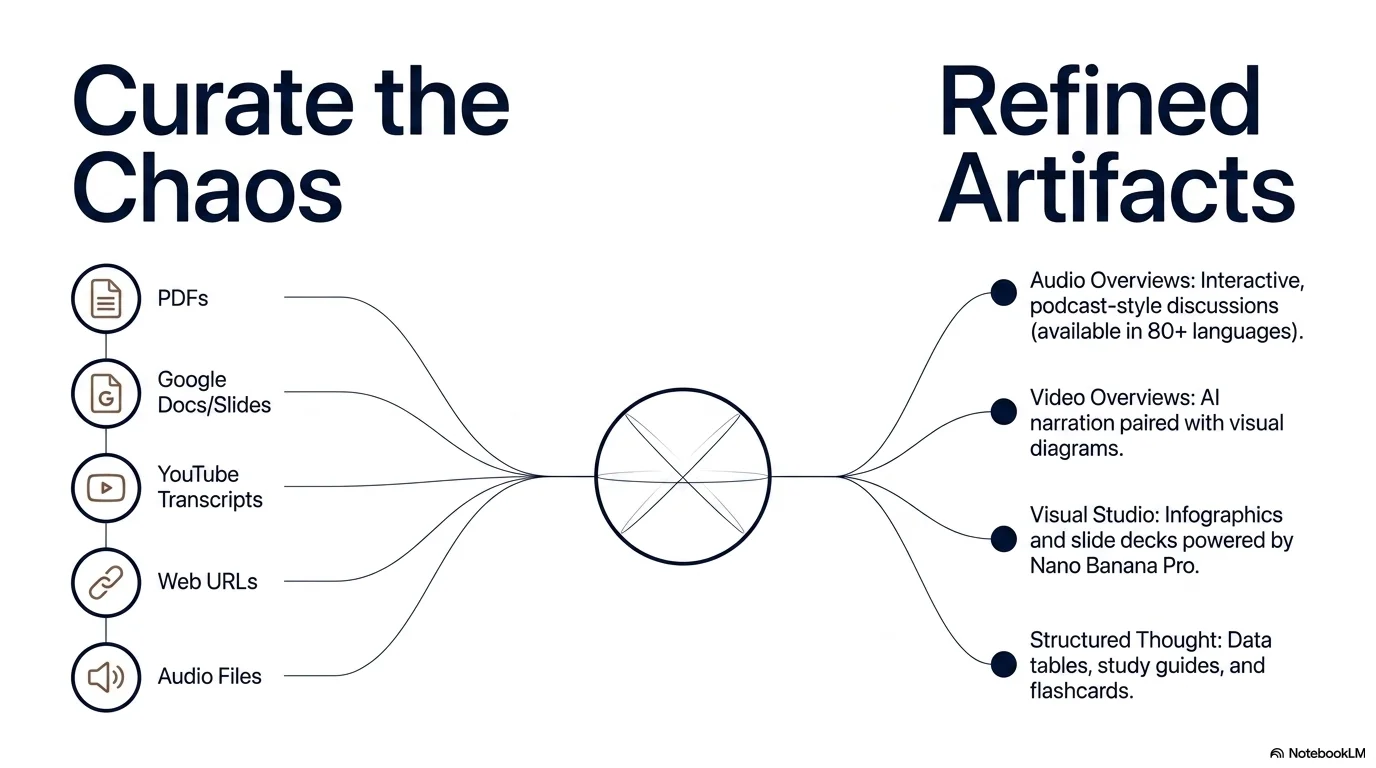
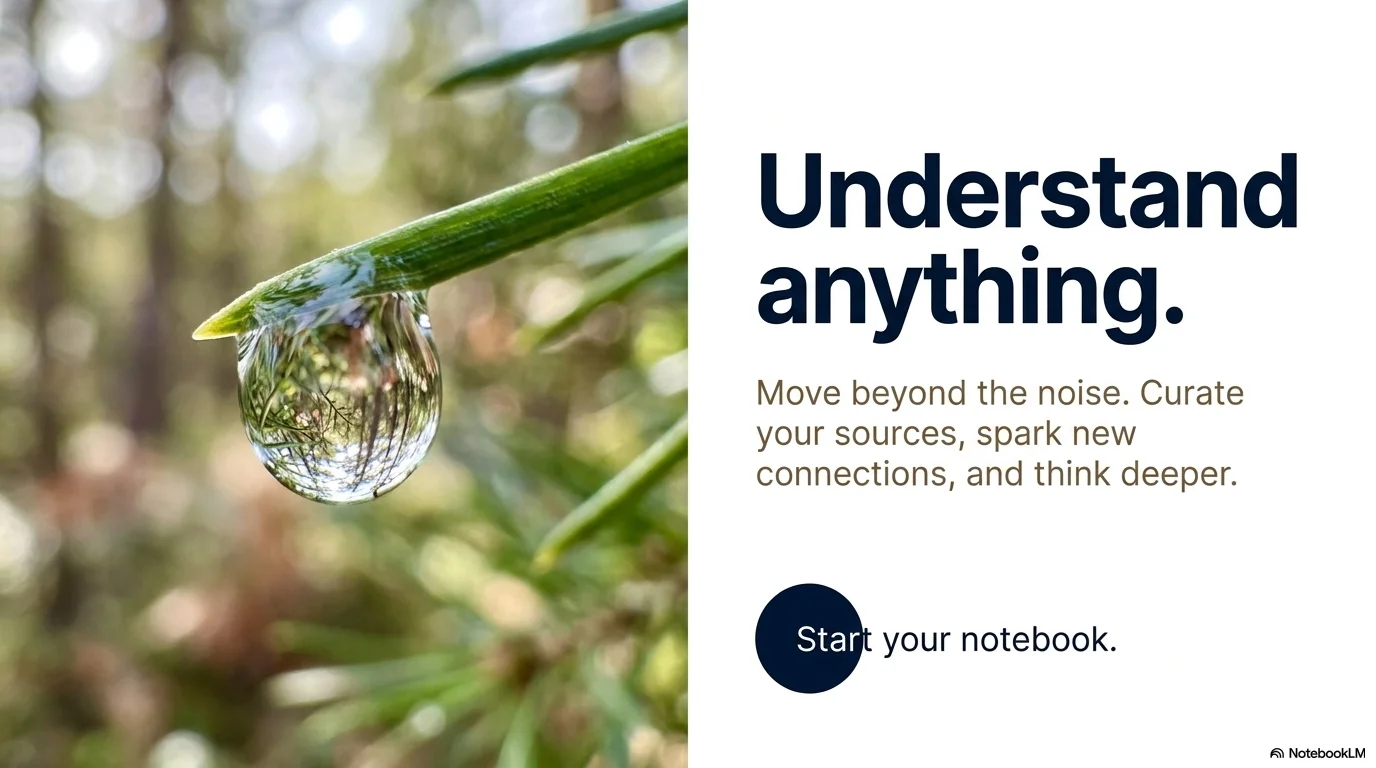
A premium and sophisticated aesthetic based on the 'Slow Living' movement. It uses the modern Open Sauce sans-serif to create a minimalist editorial look. Characterized by deep navy blue, pure white, and muted earthy browns, it features high-contrast split-screen layouts and macro photography focus to convey calmness, mindfulness, and a high-end lifestyle vibe.

Palette
- Background
#FFFFFF - Text
#1A1A1A
Typography
- primary heading
- Open Sauce, sans-serif
- secondary heading
- Open Sauce, bold
- body text
- Open Sauce, regular
Key visual elements
- Bold split-screen layouts (half photo / half color or text)
- Emphasis on high-quality macro photography (nature, textures, daily moments)
- Oversized, clean typography with generous letter spacing and line height
- Minimalist UI elements like thin lines and small circular call-to-action buttons
YAML
description: "A premium and sophisticated aesthetic based on the 'Slow Living' movement. It uses the modern Open Sauce sans-serif to create a minimalist editorial look. Characterized by deep navy blue, pure white, and muted earthy browns, it features high-contrast split-screen layouts and macro photography focus to convey calmness, mindfulness, and a high-end lifestyle vibe."
design_system:
  global_style:
    theme: "Slow Living. Minimalist editorial design with macro photography and high-contrast layouts."
    typography:
      primary_heading: "Open Sauce, sans-serif"
      secondary_heading: "Open Sauce, bold"
      body_text: "Open Sauce, regular"
    color_palette:
      primary: "#0D47A1" # Deep Navy
      secondary: "#8D6E63" # Muted Earthy Brown
      background: "#FFFFFF" # Pure White
      surface: "#F5F5F5" # Light Gray Surface
      text_main: "#1A1A1A" # Near Black
      text_secondary: "#0D47A1"
    key_visual_elements:
      - "Bold split-screen layouts (half photo / half color or text)"
      - "Emphasis on high-quality macro photography (nature, textures, daily moments)"
      - "Oversized, clean typography with generous letter spacing and line height"
      - "Minimalist UI elements like thin lines and small circular call-to-action buttons"

  image_generation_prompts:
    style_guidelines: "Minimalist editorial photography, macro focus on a snail or plant, high contrast, deep navy and white palette, Open Sauce font vibe, premium and calm 'slow living' atmosphere."
    themes:
      - target: "The Essence of Slowing Down"
        prompt_elements: "Macro photography of a snail on a leaf, soft focus background, deep navy blue overlay on one side, minimalist and high-end."
      - target: "Daily Rituals"
        prompt_elements: "A person holding a ceramic cup in warm sunlight, muted earthy tones, clean white space, professional editorial look."

slide_layout_templates:
  - type: "Macro_Title"
    usage: "Large bold title in Open Sauce on a white background, balanced by a full-height macro photo on the right"
  - type: "Split_Insight"
    usage: "Left side is a solid deep navy block with a single point; right side is a macro photo of nature"
  - type: "Minimalist_Grid"
    usage: "Small icons and short text descriptions with massive white space around them"
  - type: "Editorial_Quote"
    usage: "A large quote in Open Sauce bold that takes up 70% of the slide, with a tiny reference at the bottom"






Connect & Share