Midnight Tactical
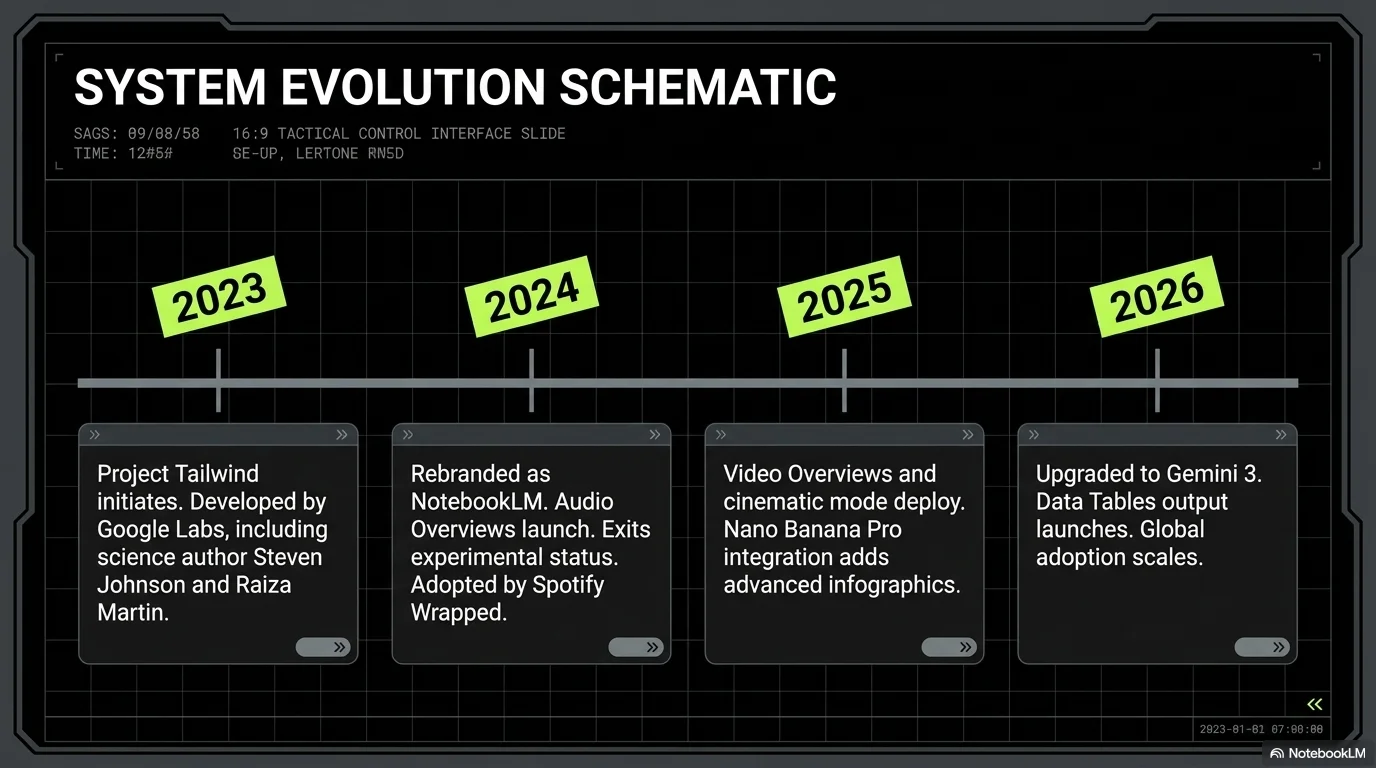
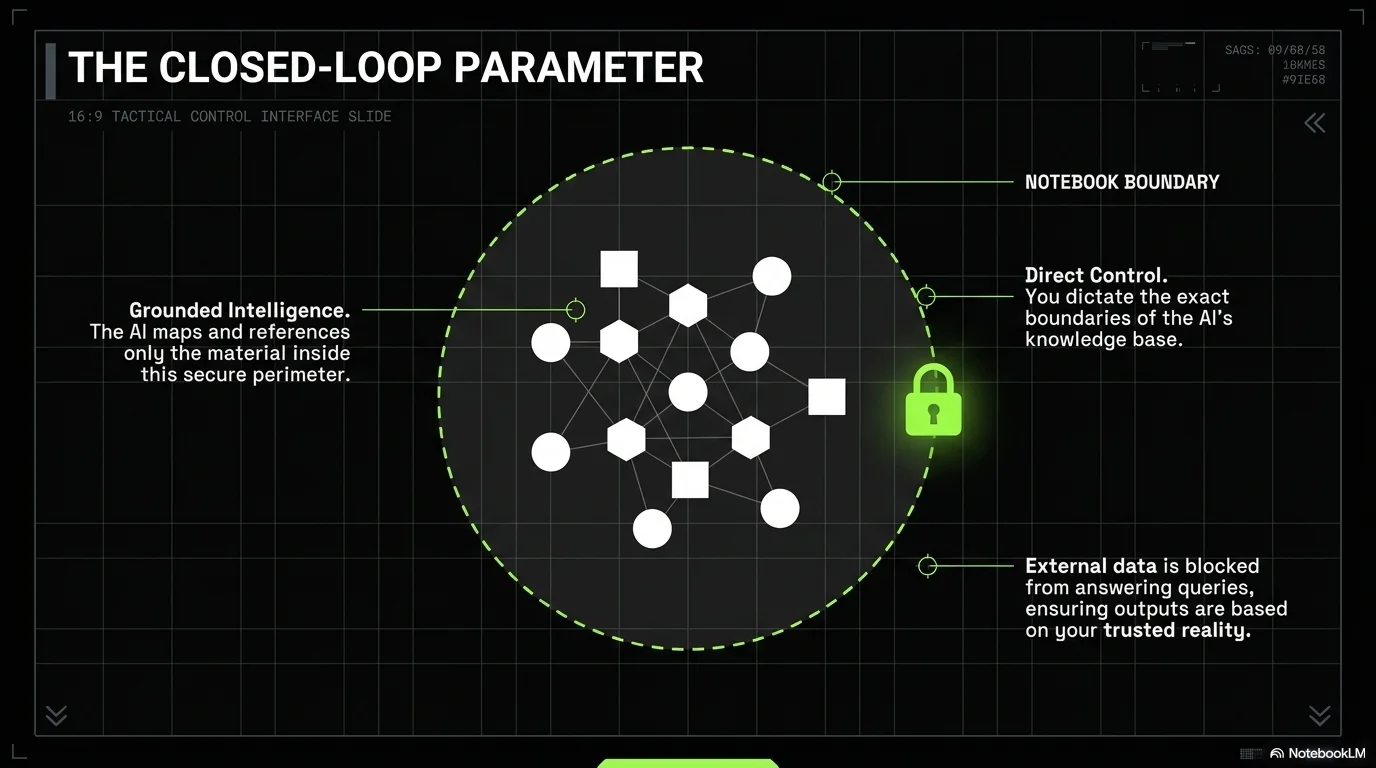
Modern, tech-utilitarian design with a high-contrast matte black base and vibrant lime green accents. Features industrial aesthetic elements like tilted boxes, double chevrons, and monospace metadata.

Palette
- Primary
#C6FF00 - Background
#000000 - Text
#FFFFFF
Typography
- primary heading
- Bold geometric sans-serif (e.g., Space Grotesk, Manrope)
- secondary heading
- Medium sans-serif, high contrast white
- body text
- Clean sans-serif with high legibility on dark backgrounds
- accent mono
- Monospace for technical labels, slide numbers, and UI elements
Key visual elements
- Tilted lime green highlight boxes with black text (e.g., for fractions like 1/2)
- Pill-shaped labels for slide numbering in dark green
- Double chevron accents (<<) for navigation and emphasis
- Rounded-corner image containers with subtle dark borders
- Modular grid layouts with thin gray dividers
- High-fashion/Industrial photography with focal textures
YAML
design_system:
  global_style:
    theme: "Modern, tech-utilitarian design with a high-contrast matte black base and vibrant lime green accents. Features industrial aesthetic elements like tilted boxes and monospace metadata."
    typography:
      primary_heading: "Bold geometric sans-serif (e.g., Space Grotesk, Manrope)"
      secondary_heading: "Medium sans-serif, high contrast white"
      body_text: "Clean sans-serif with high legibility on dark backgrounds"
      accent_mono: "Monospace for technical labels, slide numbers, and UI elements"
    color_palette:
      primary_color: "#C6FF00"    # Bright Lime Green
      background: "#000000"       # Matte Black
      text_main: "#FFFFFF"        # Pure White
      accent_dark_green: "#263500" # Muted Dark Green for UI pill backgrounds
    key_visual_elements:
      - "Tilted lime green highlight boxes with black text (e.g., for fractions like 1/2)"
      - "Pill-shaped labels for slide numbering in dark green"
      - "Double chevron accents (<<) for navigation and emphasis"
      - "Rounded-corner image containers with subtle dark borders"
      - "Modular grid layouts with thin gray dividers"
      - "High-fashion/Industrial photography with focal textures"

  image_generation_prompts:
    style_guidelines: "High-fashion editorial photography, industrial tech setting, high-contrast studio lighting, matte textures, lime green accents in the environment, sharp focus, professional street-style aesthetic."
    themes:
      - target: "Product Detail"
        prompt_elements: "Close-up of high-tech gear with lime green accents, matte black textures, architectural studio lighting."

slide_layout_templates:
  - type: "Tactical_Hero"
    usage: "Section headers or main announcements"
    components:
      - "Layout: Large white heading with tilted lime highlight box"
      - "Visual: Image in a rounded dark card on the left or top"

  - type: "Utility_Agenda"
    usage: "Agenda or multi-point summaries"
    components:
      - "Layout: Multi-column grid with monospace markers"
      - "Visual: Lime green accents for bullet points"

  - type: "Textured_Gallery"
    usage: "Showcasing visual references or product details"
    components:
      - "Layout: Three vertical columns with rounded images"
      - "Visual: Dark pill-shaped labels at the top of each col"






Connect & Share