Architectural Mono
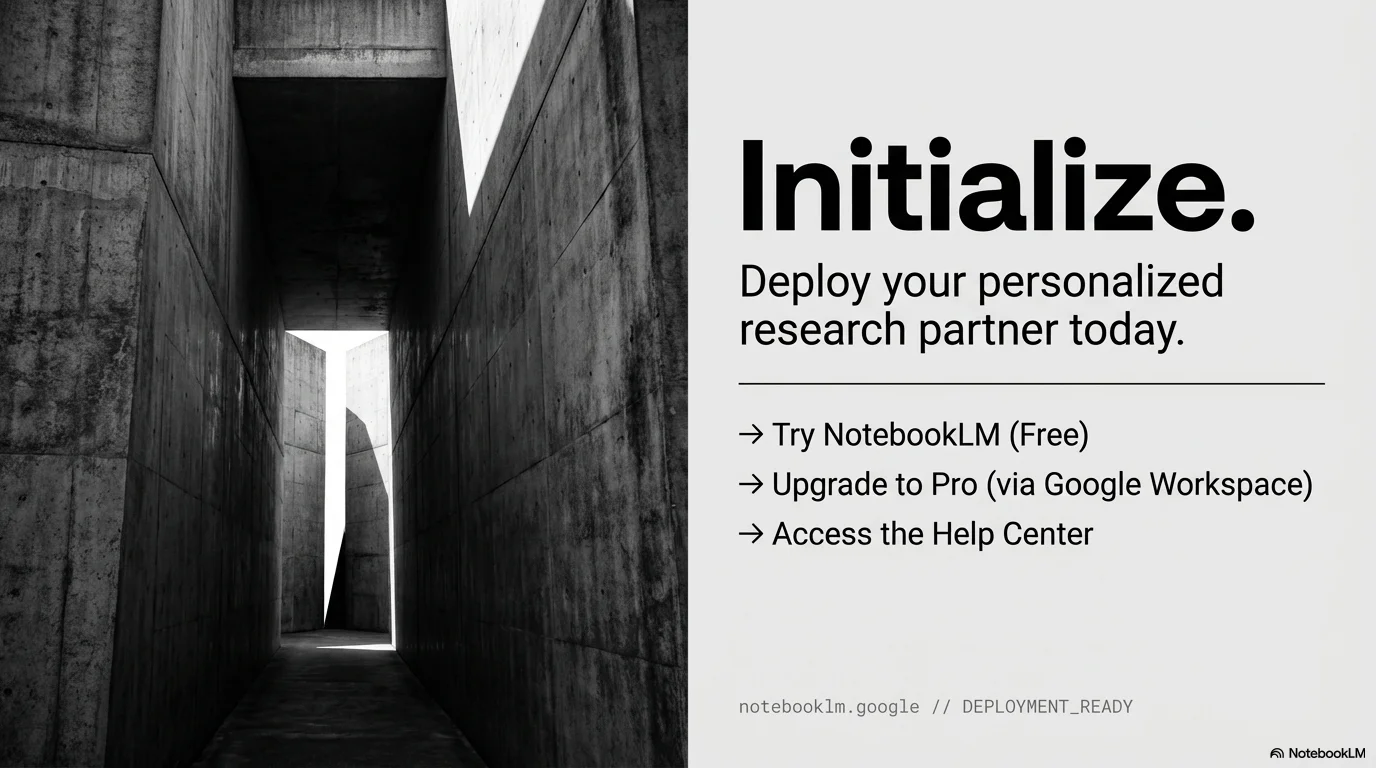
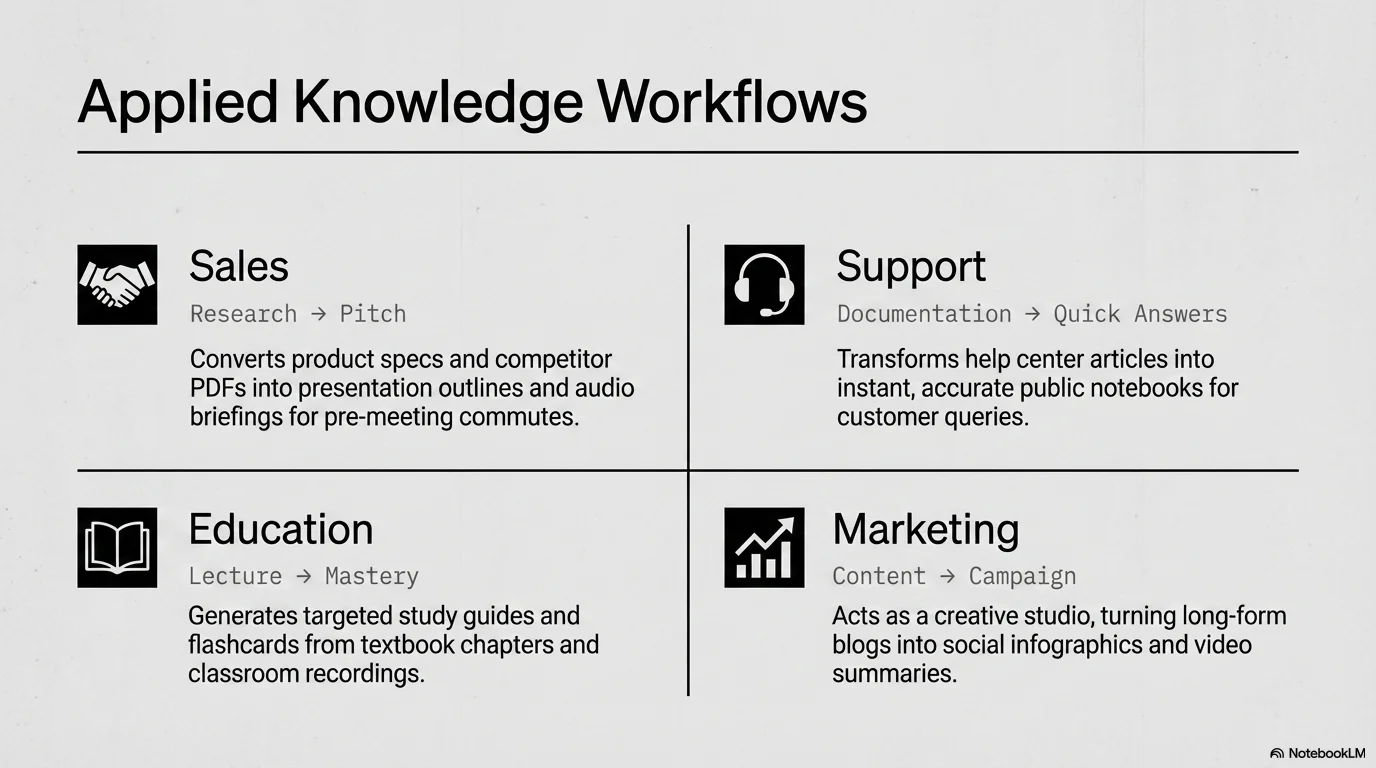
Modern brutalist, monochromatic, and architectural design. Inspired by minimalist gallery aesthetics, it features high-contrast grayscale photography, large technical stamps, and sleek sans-serif typography.

Palette
- Primary
#111111 - Background
#E8E8E8 - Text
#111111
Typography
- primary heading
- Clean modern sans-serif (e.g., Inter, Helvetica), medium-to-bold weight
- secondary heading
- Refined sans-serif, standard weight, high contrast
- body text
- Functional sans-serif, clean, tight line-height for a technical feel
- accent mono
- Monospace for metadata and technical labels
Key visual elements
- High-contrast grayscale architectural photography
- Large light gray year stamps (e.g., '20 | 25')
- Thin horizontal dividers separating headers
- Thin arrow icons (→) for call-to-actions
- Vertical text labels for section titles (e.g., 'OUR TEAM')
YAML
design_system:
  global_style:
    theme: "Modern brutalist, monochromatic, and architectural. High-contrast grayscale aesthetic using bold minimalist typography, thin technical accents, and generous whitespace."
    typography:
      primary_heading: "Clean modern sans-serif (e.g., Inter, Helvetica), medium-to-bold weight"
      secondary_heading: "Refined sans-serif, standard weight, high contrast"
      body_text: "Functional sans-serif, clean, tight line-height for a technical feel"
      accent_mono: "Monospace for metadata and technical labels"
    color_palette:
      primary_color: "#111111" # Deep black for text and dividers
      background: "#E8E8E8" # Light architectural gray
      text_main: "#111111"
      accent_gray: "#B0B0B0" # Medium gray for metadata and year stamps
    key_visual_elements:
      - "High-contrast grayscale architectural photography"
      - "Large light gray year stamps (e.g., '20 | 25')"
      - "Thin horizontal dividers separating headers"
      - "Thin arrow icons (→) for call-to-actions"
      - "Vertical text labels for section titles (e.g., 'OUR TEAM')"

  image_generation_prompts:
    style_guidelines: "High-contrast architectural photography, black and white, brutalist concrete textures, dramatic light and shadow, minimalist compositions, sharp lines."
    themes:
      - target: "Interior/Exterior Architecture"
        prompt_elements: "Minimalist concrete building, sharp geometric lines, brutalist style, monochromatic photography, dramatic afternoon shadows, 8k resolution."
      - target: "Portrait"
        prompt_elements: "Minimalist portrait, black and white, studio lighting, high contrast, clean background, fashion editorial style."

slide_layout_templates:
  - type: "Architectural_Cover"
    usage: "Main title slide with impactful architectural imagery"
    components:
      - "Layout: Large bold title 'Architecture' with '20/25' year stamp above"
      - "Visual: Full-page high-contrast architectural shot"

  - type: "Mission_Grid"
    usage: "Presenting mission or values with multiple visual references"
    components:
      - "Layout: Header on the left, 2x2 masonry image grid on the right"
      - "Divider: Thin horizontal line below the header"

  - type: "Sliver_About"
    usage: "Introduction to a company or concept"
    components:
      - "Layout: 3 vertical image slivers on the left, text content on the right"
      - "Visual: High-contrast b&w imagery"

  - type: "Team_Monochrome"
    usage: "Introducing team members in a professional layout"
    components:
      - "Layout: Vertical 'OUR TEAM' label on the left, 3 equal columns with portraits"
      - "Visual: Individual b&w portraits with name and role below"

  - type: "Contact_Technical"
    usage: "Closing slide with contact information"
    components:
      - "Layout: Large image on the left, clean list of contact info on the right"
      - "Accents: Small arrow icons next to labels"






Connect & Share