Pop Retro
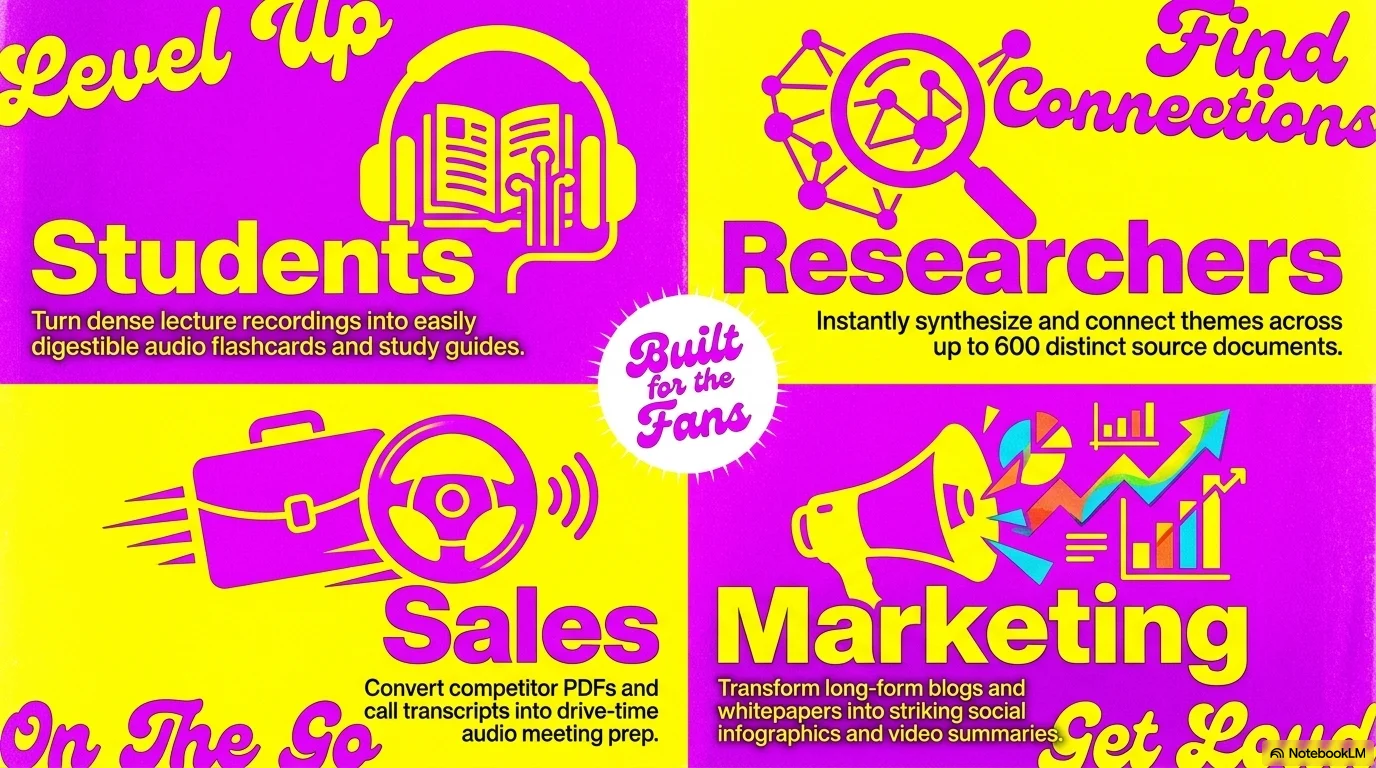
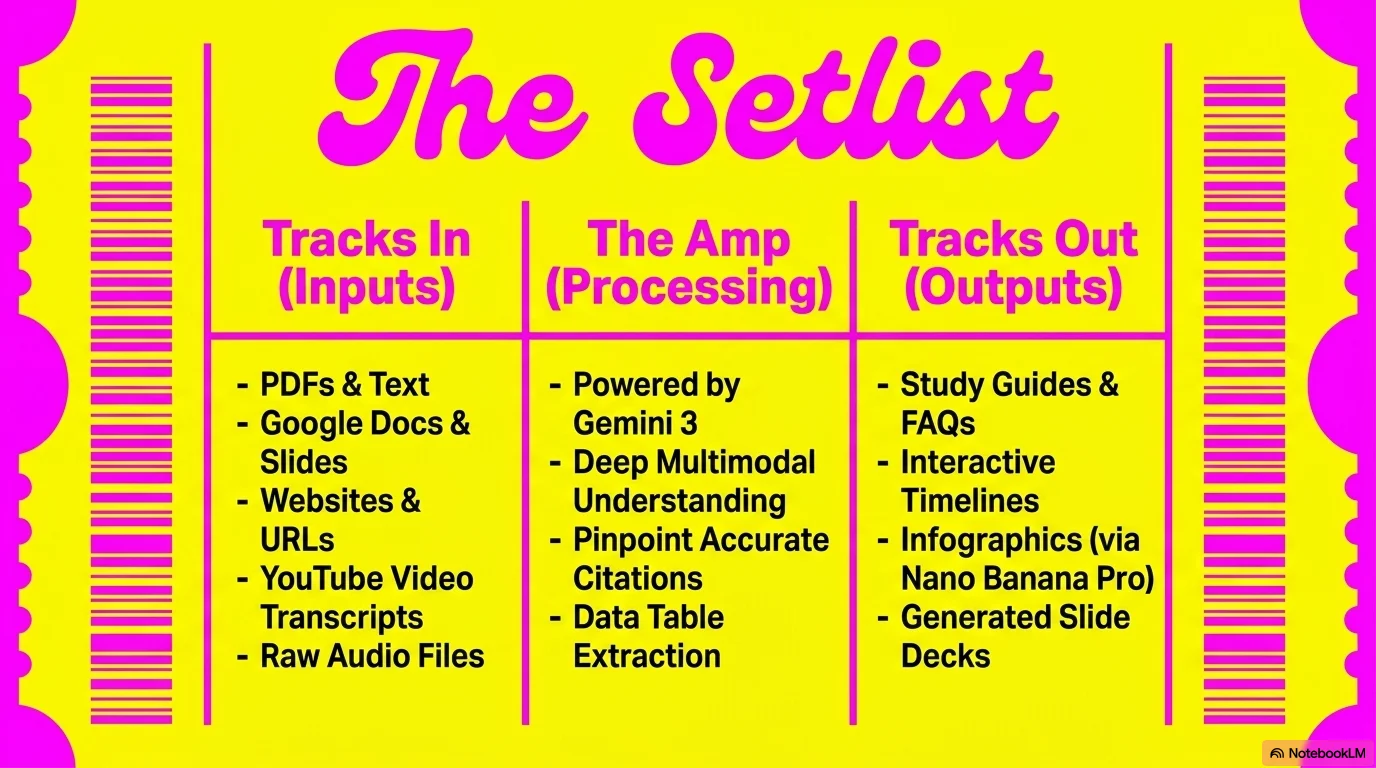
An explosive and high-energy aesthetic inspired by retro-pop and Y2K concert designs. It features the playful Genty script for bold headlines and Genty Sans for readability. Characterized by a vibrant palette of electric magenta and bright yellow, it uses saturated color blocks and large-scale typography to create a dynamic, fun, and musical atmosphere.

Palette
- Background
#D81B60 - Text
#FFFFFF
Typography
- primary heading
- Genty, cursive
- secondary heading
- Genty Sans, bold
- body text
- Genty Sans, regular
Key visual elements
- Saturated, solid color background blocks (Magenta/Yellow)
- Oversized script typography as a central design element
- High-contrast lifestyle and concert photography
- Dynamic and asymmetrical layouts with bold color collisions
YAML
description: "An explosive and high-energy aesthetic inspired by retro-pop and Y2K concert designs. It features the playful Genty script for bold headlines and Genty Sans for readability. Characterized by a vibrant palette of electric magenta and bright yellow, it uses saturated color blocks and large-scale typography to create a dynamic, fun, and musical atmosphere."
design_system:
  global_style:
    theme: "Pop Retro. Vibrant and energetic design for music events and pop-culture presentations."
    typography:
      primary_heading: "Genty, cursive"
      secondary_heading: "Genty Sans, bold"
      body_text: "Genty Sans, regular"
    color_palette:
      primary: "#D81B60" # Electric Magenta
      secondary: "#FFEB3B" # Bright Yellow
      background: "#D81B60" # Magenta Background
      surface: "#FFEB3B" # Yellow Surface
      text_main: "#FFFFFF" # White text on Magenta
      text_secondary: "#D81B60" # Magenta text on Yellow
    key_visual_elements:
      - "Saturated, solid color background blocks (Magenta/Yellow)"
      - "Oversized script typography as a central design element"
      - "High-contrast lifestyle and concert photography"
      - "Dynamic and asymmetrical layouts with bold color collisions"

  image_generation_prompts:
    style_guidelines: "Vibrant retro-pop concert photography, electric magenta and bright yellow palette, saturated colors, bold Genty script typography, Y2K aesthetic, high energy."
    themes:
      - target: "Event Promo"
        prompt_elements: "A stylish singer with red sunglasses, bright magenta background, yellow text overlays, pop music vibe."
      - target: "Venue & Atmosphere"
        prompt_elements: "Neon-lit concert stage, magenta and yellow lights, crowded energetic atmosphere, retro-pop style."

slide_layout_templates:
  - type: "Pop_Star_Cover"
    usage: "Giant yellow Genty headline over a solid magenta background with a centered lifestyle photo"
  - type: "Neon_Ticket_Info"
    usage: "A slide styled like a concert ticket with magenta text on a yellow surface"
  - type: "Artist_Showcase"
    usage: "Large photo taking up half the slide with bold magenta text on a yellow background on the other half"
  - type: "Thank_You_Encore"
    usage: "Solid magenta slide with a giant 'Thank You' in yellow script font"






Connect & Share