Classical Gallery
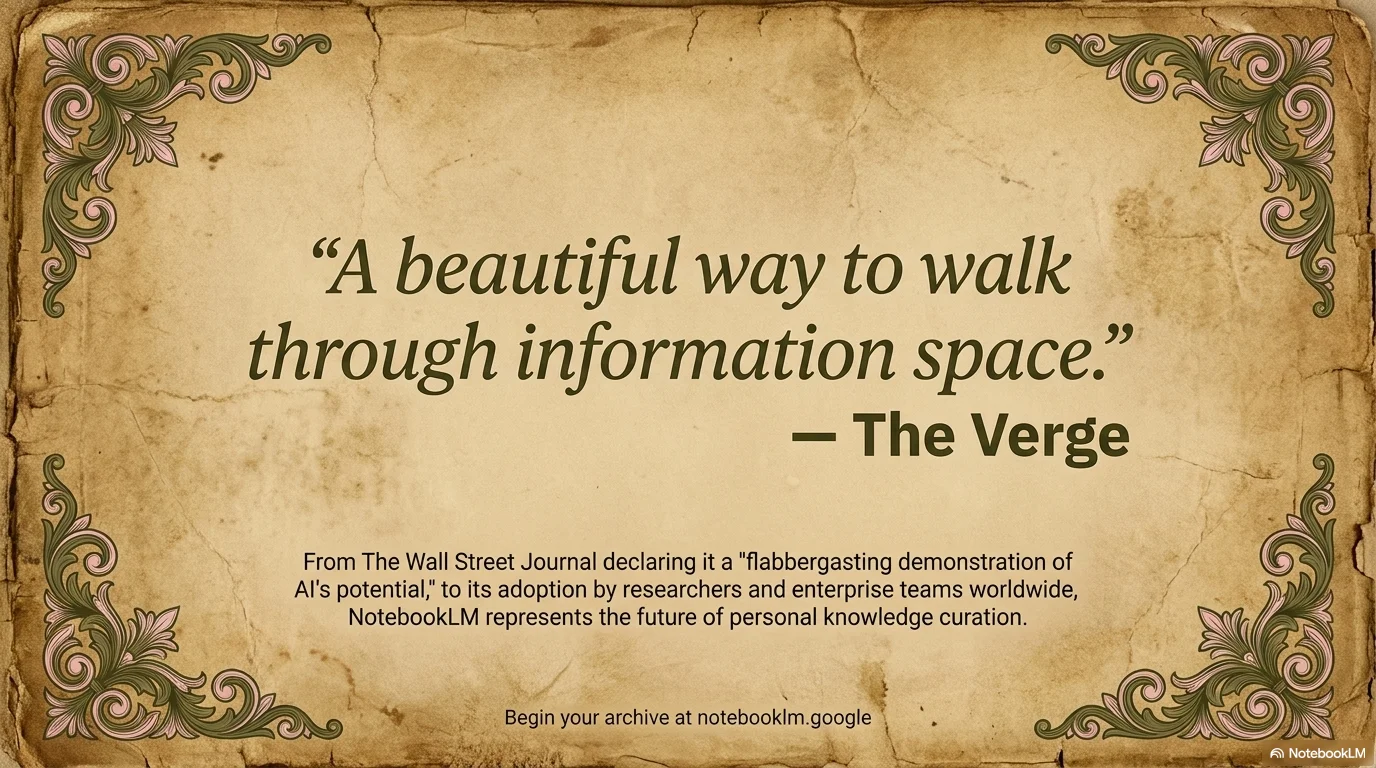
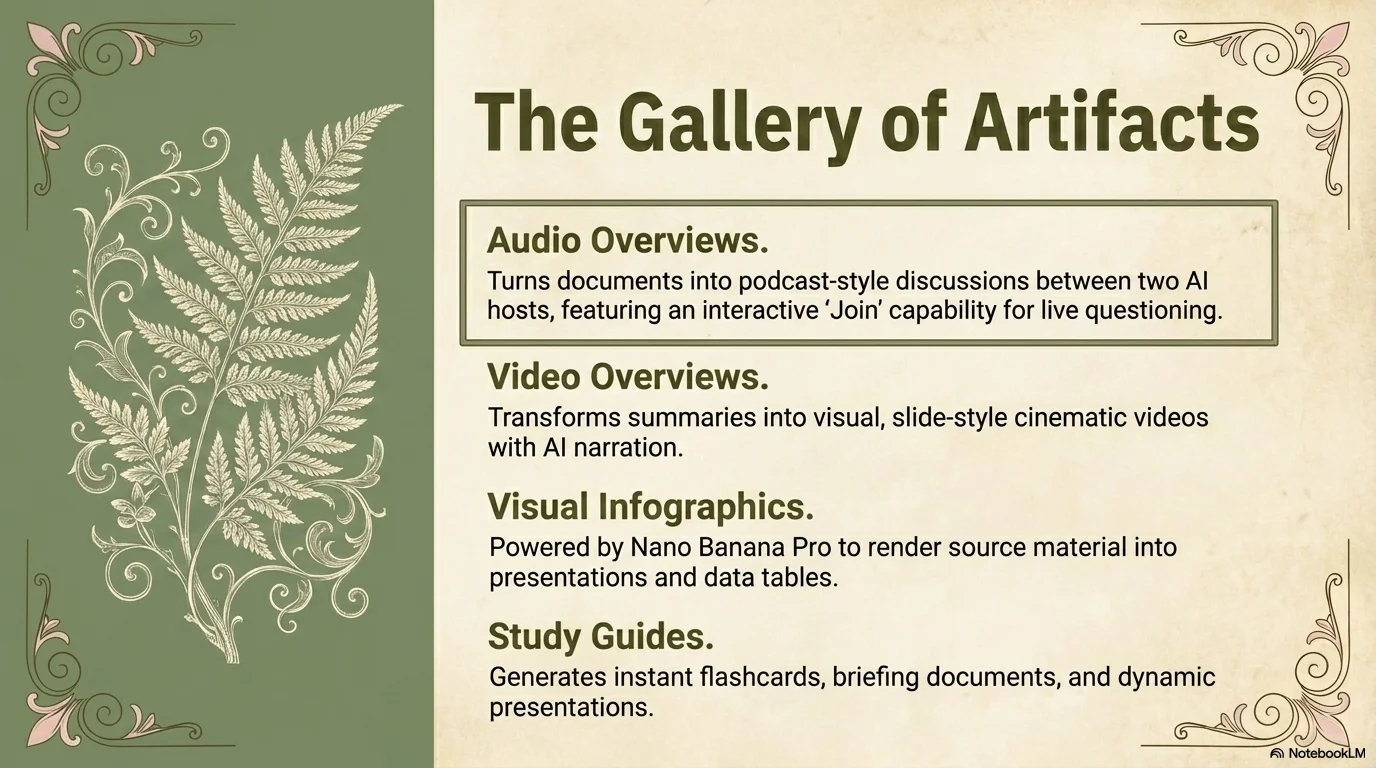
A refined, museum-inspired design featuring parchment textures, sage green accents, and elegant ornamental filigree. It balances historical aesthetics with modern sans-serif typography for a scholarly and curated presentation feel.

Palette
- Primary
#8B9B7B - Background
#E6E1D3 - Text
#4B5320
Typography
- primary heading
- Bold, clean sans-serif (e.g., Montserrat, Inter) for a modern contrast with the vintage aesthetic.
- secondary heading
- Medium weight sans-serif, professional and balanced.
- body text
- Clean, highly legible sans-serif with a focus on historical clarity (e.g., Roboto, Open Sans).
Key visual elements
- Elegant ornamental filigree and scrollwork in pink and dark green (top and bottom accents).
- Large rectangular sage green color blocks for sidebars and image framing.
- Classical art anchors: marble sculptures, Da Vinci-style sketches, and botanical engravings.
- High-texture paper/parchment background for a tactile, historical feel.
- Numbered circular badges for lists and timelines.
YAML
design_system:
  global_style:
    theme: "Classical, museum-like, and refined. Inspired by historical archives and neoclassical art galleries. Features parchment textures and elegant ornamental filigree."
    typography:
      primary_heading: "Bold, clean sans-serif (e.g., Montserrat, Inter) for a modern contrast with the vintage aesthetic."
      secondary_heading: "Medium weight sans-serif, professional and balanced."
      body_text: "Clean, highly legible sans-serif with a focus on historical clarity (e.g., Roboto, Open Sans)."
    color_palette:
      primary_color: "Sage Green (#8B9B7B)"
      accent_color: "Pale Pink (#F4C2C2) and Dark Olive (#4B5320)"
      background: "Textured parchment or aged paper (#E6E1D3) with dark olive text accents."
      text_main: "Dark Olive Green (#4B5320) on parchment, Pure White (#FFFFFF) on green blocks."
    key_visual_elements:
      - "Elegant ornamental filigree and scrollwork in pink and dark green (top and bottom accents)."
      - "Large rectangular sage green color blocks for sidebars and image framing."
      - "Classical art anchors: marble sculptures, Da Vinci-style sketches, and botanical engravings."
      - "High-texture paper/parchment background for a tactile, historical feel."
      - "Numbered circular badges for lists and timelines."

  image_generation_prompts:
    style_guidelines: "Classical museum aesthetic, historical archive style, textured parchment, sage green accents, neoclassical sculptures, architectural sketches, soft natural lighting, high-fidelity textures."
    themes:
      - target: "Abstract Background"
        prompt_elements: "Minimalist textured parchment background with elegant dark green and pink filigree ornaments in the corners, refined and historical."
      - target: "Historical Objects"
        prompt_elements: "Classical marble sculpture of a Greek bust, soft dramatic lighting, high contrast, white background or sage green backdrop, clean lines."
      - target: "Sketches"
        prompt_elements: "Renaissance-style pencil sketch of a historical figure on aged paper, Da Vinci aesthetic, detailed cross-hatching, museum quality."

slide_layout_templates:
  - type: "Museum_Cover"
    usage: "Title slide for history, art, or humanities presentations"
    components:
      - "Large bold Main Title centered on parchment"
      - "Small secondary subtitle (e.g., 'A Journey Through Time')"
      - "Symmetric ornamental filigree at the top and bottom"
      - "Subtle metadata label at the bottom"

  - type: "Classical_Split"
    usage: "Comparing concepts or introducing historical periods"
    components:
      - "Layout: 50/50 split"
      - "Visual Side: Large classical sculpture or sketch on a solid sage green block"
      - "Text Side: Section Heading + Descriptive paragraph on parchment"

  - type: "Gallery_Step_List"
    usage: "Historical timelines, stages of art, or process flows"
    components:
      - "Section Heading left-aligned"
      - "Vertical or horizontal list of content blocks"
      - "Numbered circular badges (01, 02, etc.) for each step"
      - "Description paragraphs with high legibility"

  - type: "Featured_Engraving"
    usage: "Deep dive into a specific work of art or historical figure"
    components:
      - "Large centered heading"
      - "Visual: Large sketch or engraving framed by corner filigree"
      - "Detailed description paragraph below or to the side"

  - type: "Historical_Timeline"
    usage: "Chronological events, roadmaps"
    components:
      - "Layout: Side-by-side with a vertical timeline axis"
      - "Visual: Sage green sidebar with vertical line and numbered markers"
      - "Text: Year/Phase + Detailed description"

  - type: "Percentage_Highlight"
    usage: "Key statistics, impact measurements, or summaries"
    components:
      - "Large numeric highlight (e.g., '100%')"
      - "Section Heading centered on a green block"
      - "Detailed explanatory text below"
      - "Ornamental filigree accents framing the content"

  - type: "Curated_Closing"
    usage: "Final slide, Thank You"
    components:
      - "Giant 'THANK YOU!' centered with ornamental framing"
      - "Sub-text with curator or presenter information"
      - "Symmetric filigree at top and bottom corners"
      - "Website URL in small, clean font"






Connect & Share