Film Scrapbook
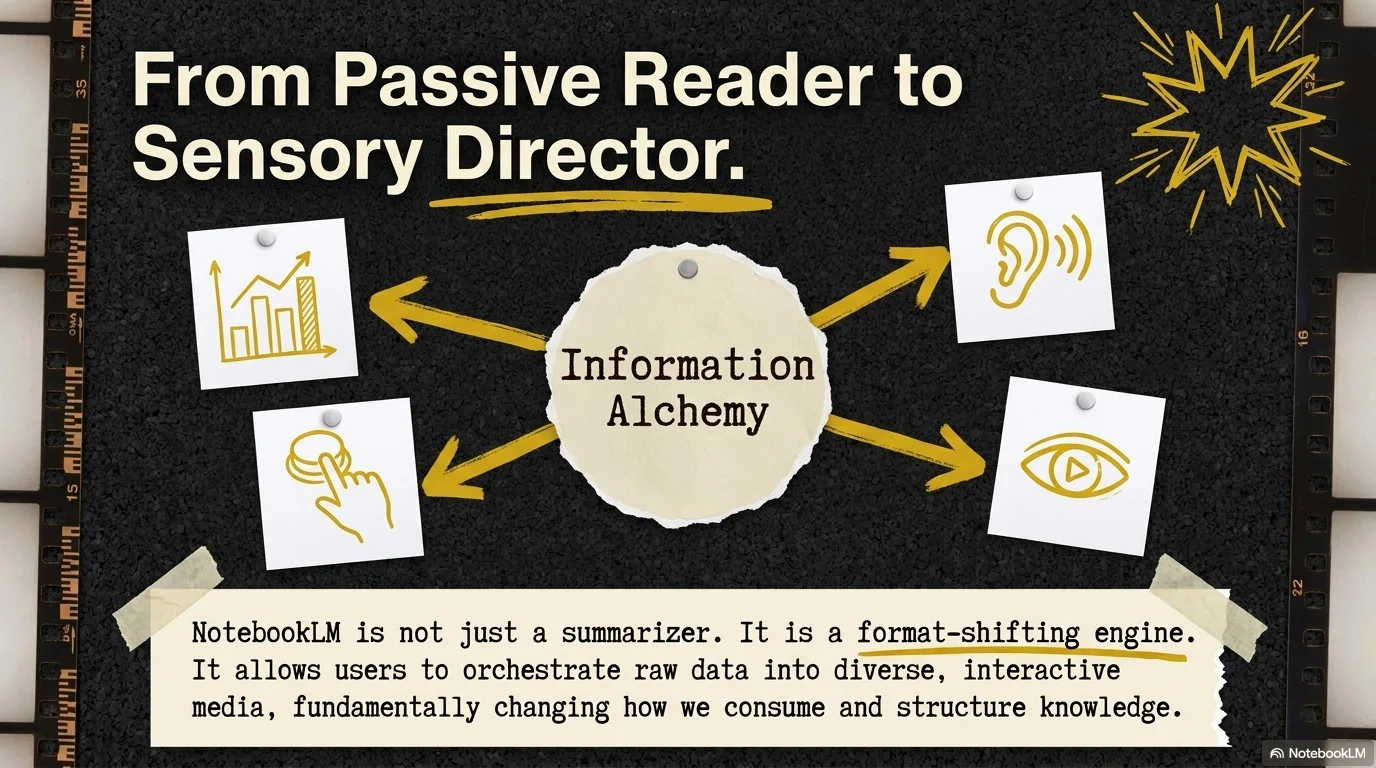
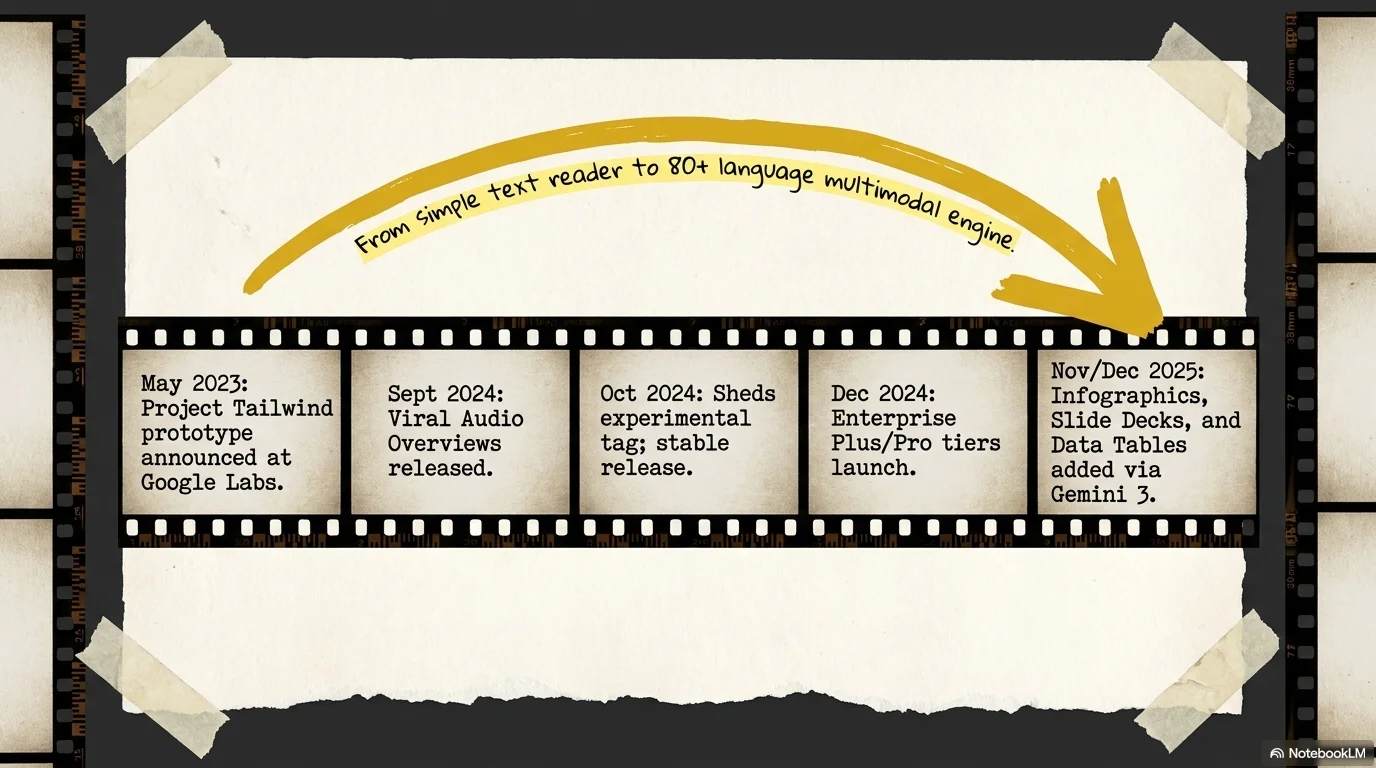
A tactile and nostalgic aesthetic designed for storytelling, biographies, and documentary-style presentations. It pairs the clean Open Sauce sans-serif with the technical Fira Code monospace. Characterized by a charcoal black and cream palette, it features film strip borders, ripped paper textures, and hand-drawn mustard yellow highlights to create a personal, 'behind-the-scenes' scrapbook atmosphere.

Palette
- Background
#121212 - Text
#F5F5DC
Typography
- primary heading
- Open Sauce, sans-serif
- secondary heading
- Fira Code, monospace
- body text
- Fira Code, regular
Key visual elements
- Vertical film strip borders and vintage camera reel motifs
- Ripped paper textures used as containers for secondary text
- Hand-drawn mustard yellow circles and underlines to emphasize words
- Simple doodle-style icons (smileys, arrows, stars) in yellow and white
YAML
description: "A tactile and nostalgic aesthetic designed for storytelling, biographies, and documentary-style presentations. It pairs the clean Open Sauce sans-serif with the technical Fira Code monospace. Characterized by a charcoal black and cream palette, it features film strip borders, ripped paper textures, and hand-drawn mustard yellow highlights to create a personal, 'behind-the-scenes' scrapbook atmosphere."
design_system:
  global_style:
    theme: "Film Scrapbook. Personal and nostalgic design with film textures and hand-drawn highlights."
    typography:
      primary_heading: "Open Sauce, sans-serif"
      secondary_heading: "Fira Code, monospace"
      body_text: "Fira Code, regular"
    color_palette:
      primary: "#C0CA33" # Mustard Yellow Highlight
      secondary: "#F5F5DC" # Old Paper Cream
      background: "#121212" # Charcoal Black
      surface: "#F5F5DC" # Cream Surface for paper notes
      text_main: "#F5F5DC" # Cream text on dark
      text_secondary: "#121212" # Dark text on paper
    key_visual_elements:
      - "Vertical film strip borders and vintage camera reel motifs"
      - "Ripped paper textures used as containers for secondary text"
      - "Hand-drawn mustard yellow circles and underlines to emphasize words"
      - "Simple doodle-style icons (smileys, arrows, stars) in yellow and white"

  image_generation_prompts:
    style_guidelines: "Vintage film scrapbook aesthetic, charcoal black and cream palette, film strips, ripped paper, hand-drawn yellow circles, Fira Code font vibe, grainy documentary atmosphere."
    themes:
      - target: "Story Introduction"
        prompt_elements: "A vintage film strip on the side of a charcoal black background, a piece of ripped cream paper in the center, hand-drawn yellow arrow."
      - target: "Historical Context"
        prompt_elements: "A grainy black and white photo framed like a polaroid, mustard yellow scribbles, old paper texture."

slide_layout_templates:
  - type: "Scrapbook_Title"
    usage: "Title in Open Sauce on black with film strips on the edges and a hand-drawn circle around a key word"
  - type: "Ripped_Note_Slide"
    usage: "Body text in Fira Code placed over a large ripped paper graphic in the center"
  - type: "Film_Strip_Gallery"
    usage: "Multiple photos arranged as if they were part of a continuous film reel"
  - type: "Doodle_Resource_Page"
    usage: "Icons and links surrounded by hand-drawn scribbles and smiley faces on a cream background"






Connect & Share