Scholar's Journal
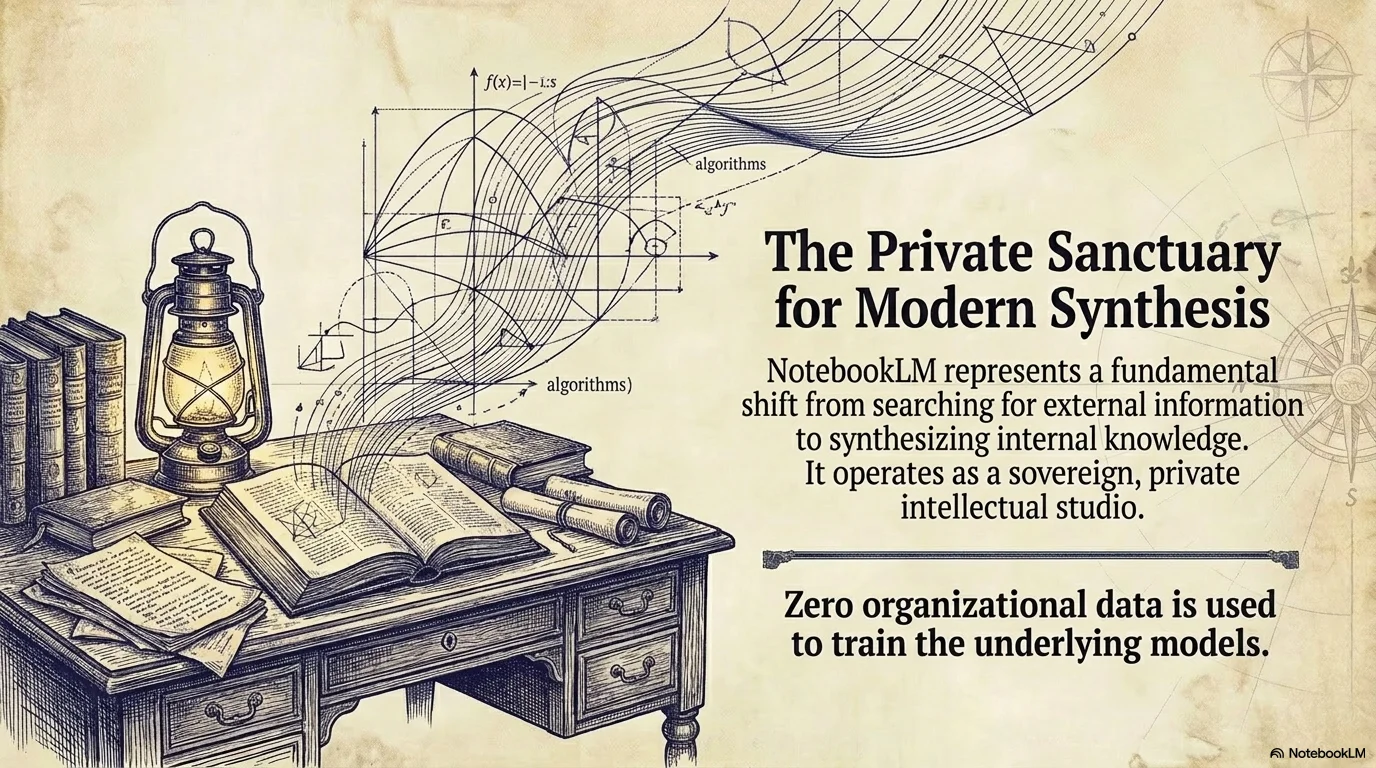
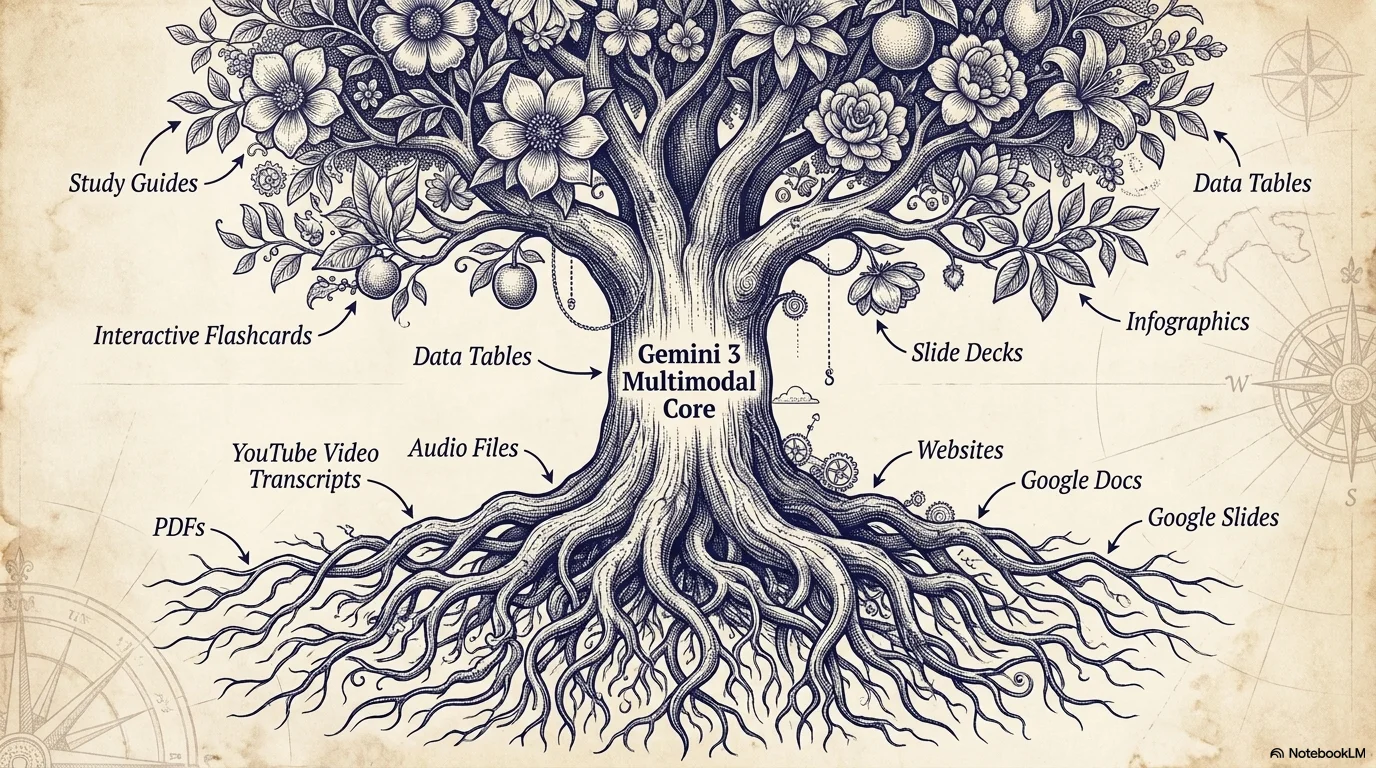
Academic, vintage, and scientific design. Inspired by 19th-century botanical engravings and researcher journals. It features heavy coarse paper textures and deep indigo line art illustrations for a scholarly feel.

Palette
- Primary
#3E4E63 - Background
#D1D1D1 - Text
#2D3436
Typography
- primary heading
- Traditional serif or slab serif (e.g., Trocchi, Courier Prime), all-caps or bold
- secondary heading
- Classic serif, clean
- body text
- Functional traditional serif with high legibility
Key visual elements
- Etched/Engraved line art illustrations (plants, clocks, architecture)
- Heavy coarse paper texture grain
- Monochromatic color scheme (Indigo on Parchment)
- Classic centered headings
YAML
design_system:
  global_style:
    theme: "Academic, vintage, and scientific. Inspired by 19th-century botanical engravings and scholar journals. Features heavy paper textures and deep indigo line art illustrations."
    typography:
      primary_heading: "Traditional serif or slab serif (e.g., Trocchi, Courier Prime), all-caps or bold"
      secondary_heading: "Classic serif, clean"
      body_text: "Functional traditional serif with high legibility"
    color_palette:
      primary_color: "#3E4E63"    # Deep Indigo Ink
      background: "#D1D1D1"       # Texturized Grayish Parchment
      text_main: "#2D3436"        # Soft Charcoal
      accent_color: "#3E4E63"     # Matching Ink for illustrations
    key_visual_elements:
      - "Etched/Engraved line art illustrations (plants, clocks, architecture)"
      - "Heavy coarse paper texture grain"
      - "Monochromatic color scheme (Indigo on Parchment)"
      - "Classic centered headings"

  image_generation_prompts:
    style_guidelines: "Hand-drawn etching style, fine line art, monochromatic indigo ink, vintage scientific illustration, 19th-century engraving, isolated on parchment texture background."
    themes:
      - target: "Vintage Botanical"
        prompt_elements: "Detailed engraving of a rose with thorns and leaves, fine lines, indigo ink, on a grain-textured gray paper background."

slide_layout_templates:
  - type: "Scholar_Intro"
    usage: "Title slides or section starts"
    components:
      - "Layout: Large centered title with wide margins"
      - "Visual: Large architectural or botanical etching on the left or corner"

  - type: "Illustration_Focus"
    usage: "Presenting a single concept with a visual anchor"
    components:
      - "Layout: Two-column split with text on the left"
      - "Visual: Large centered etching (e.g., an old clock or tree) on the right"

  - type: "Balanced_Journal"
    usage: "Summary or Q&A slides"
    components:
      - "Layout: Centered text block"
      - "Visual: Matching small etchings on opposite corners (top-right and bottom-left)"






Connect & Share