Kawaii Storybook
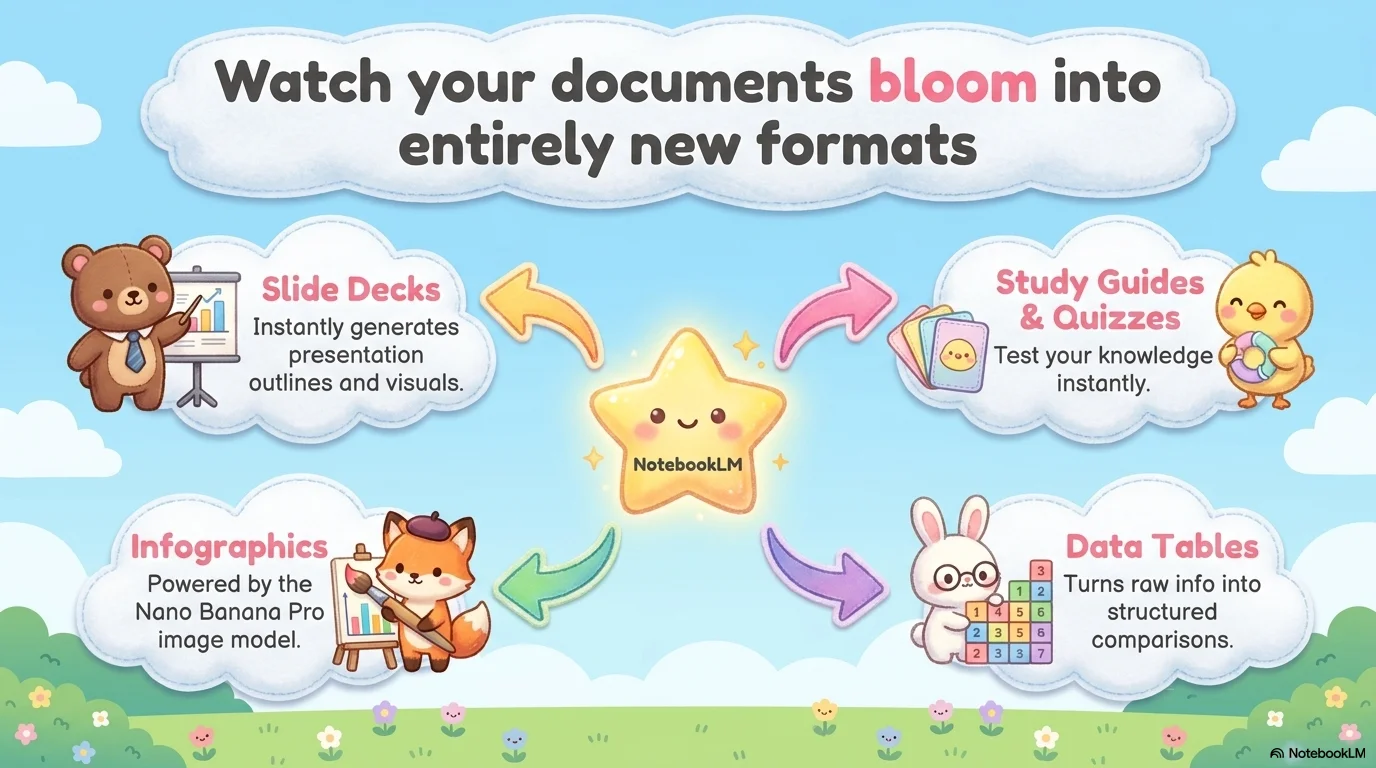
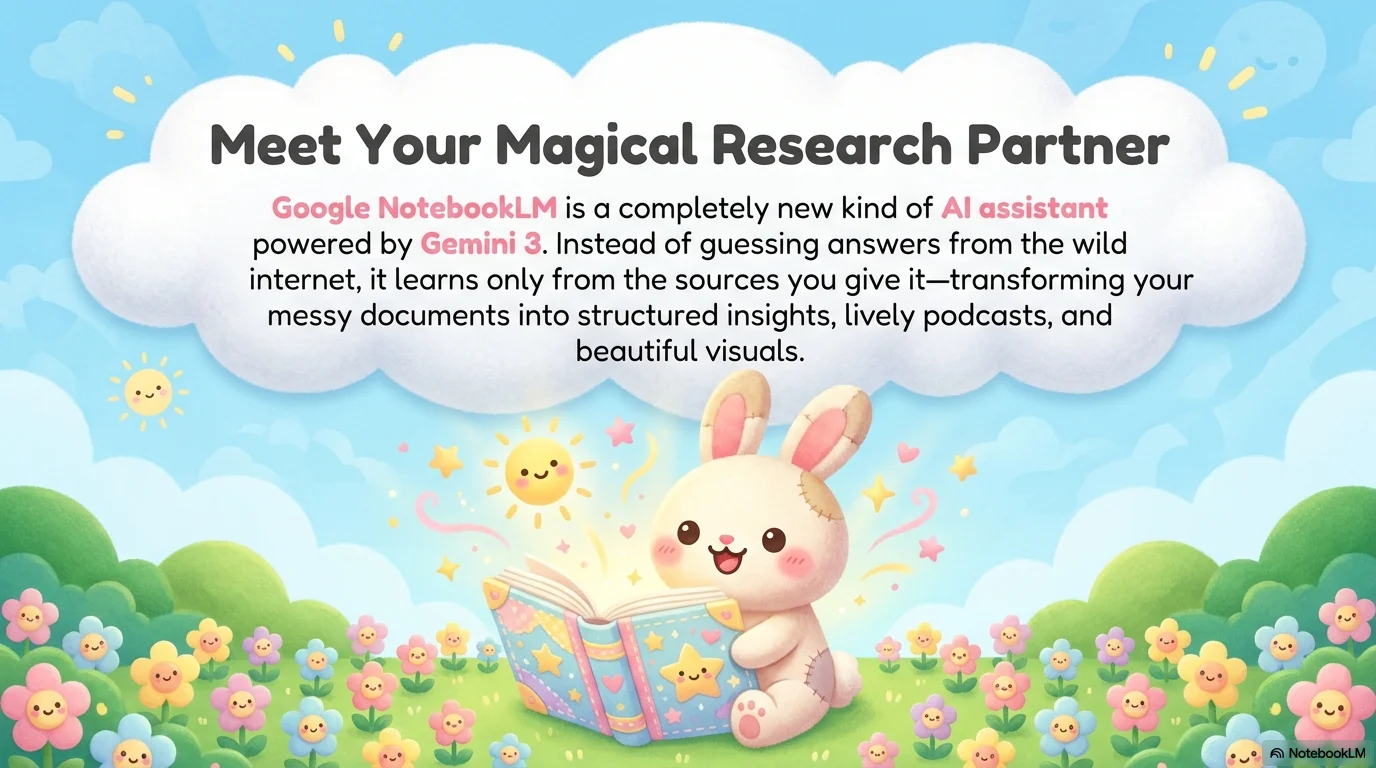
An adorable and high-contrast Kawaii aesthetic inspired by children's storybooks. It features the chunky and playful More Sugar typeface over a bright sky blue and meadow green landscape. Characterized by super-cute animal characters (chicks, rabbits, elephants) with rosy cheeks and smiling clouds, it creates a joyful and innocent atmosphere for any presentation.

Palette
- Background
#D1F2FF - Text
#34495E
Typography
- primary heading
- More Sugar, sans-serif
- secondary heading
- More Sugar, regular
- body text
- Quicksand, medium
Key visual elements
- Super-cute (Kawaii) animal illustrations with simple faces and rosy cheeks
- Bright sun and clouds with smiling faces
- Meadow green bottom border with small flowers
- Soft, patchwork or felt-like textures on illustrations
YAML
description: "An adorable and high-contrast Kawaii aesthetic inspired by children's storybooks. It features the chunky and playful More Sugar typeface over a bright sky blue and meadow green landscape. Characterized by super-cute animal characters (chicks, rabbits, elephants) with rosy cheeks and smiling clouds, it creates a joyful and innocent atmosphere for any presentation."
design_system:
  global_style:
    theme: "Kawaii Storybook. Ultra-cute animal illustration style with bright pastel tones."
    typography:
      primary_heading: "More Sugar, sans-serif"
      secondary_heading: "More Sugar, regular"
      body_text: "Quicksand, medium" # Complemented with Quicksand for a soft rounded body feel
    color_palette:
      primary: "#34495E" # Charcoal Text
      secondary: "#FFB7C5" # Cherry Blossom Pink
      background: "#D1F2FF" # Bright Sky Blue
      surface: "#FFFFFF" # Pure White Cloud Surface
      text_main: "#34495E"
      text_secondary: "#5D6D7E"
    key_visual_elements:
      - "Super-cute (Kawaii) animal illustrations with simple faces and rosy cheeks"
      - "Bright sun and clouds with smiling faces"
      - "Meadow green bottom border with small flowers"
      - "Soft, patchwork or felt-like textures on illustrations"

  image_generation_prompts:
    style_guidelines: "Kawaii animal illustration, pastel colors, children's storybook style, thick rounded lines, smiling faces on everything, rosy cheeks, felt texture look, More Sugar font vibe."
    themes:
      - target: "Project Overview"
        prompt_elements: "Cute blue elephant and a pink pacifier illustration, soft sky blue background, Kawaii aesthetic, innocent and joyful."
      - target: "Success Analysis"
        prompt_elements: "A happy chick wearing a party hat next to a colorful bar chart, Kawaii style, bright and cheerful colors."

slide_layout_templates:
  - type: "Kawaii_Cover"
    usage: "Title in More Sugar font centered on a white cloud, surrounded by a smiling sun, rabbit, and chick"
  - type: "Story_Landscape"
    usage: "Text placed on a large white central bubble with a sky blue top and green grass bottom full of animals"
  - type: "Character_Points"
    usage: "Bullet points where each point is introduced by a different Kawaii animal"
  - type: "Thank_You_Story"
    usage: "Large 'Thank You' with all characters waving from the corners of the slide"






Connect & Share