Kawaii Playful
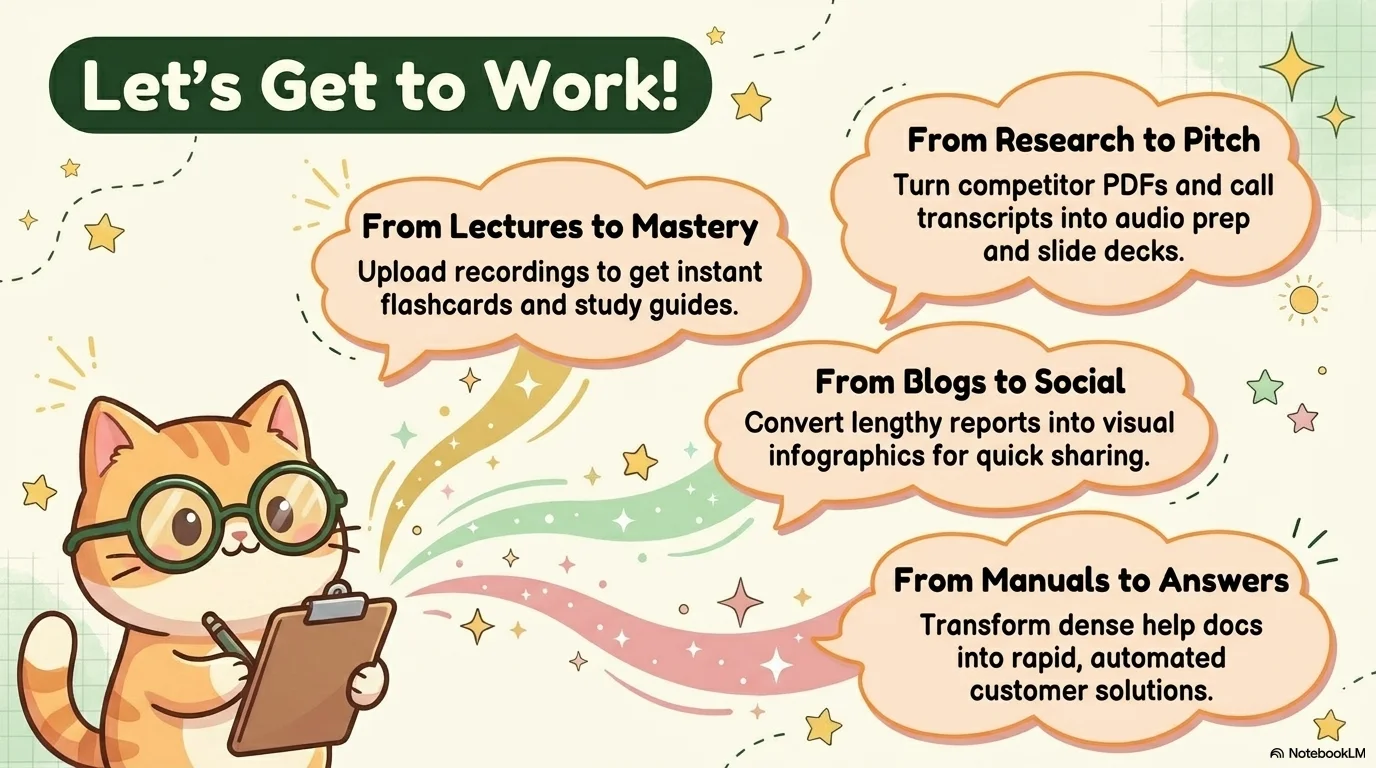
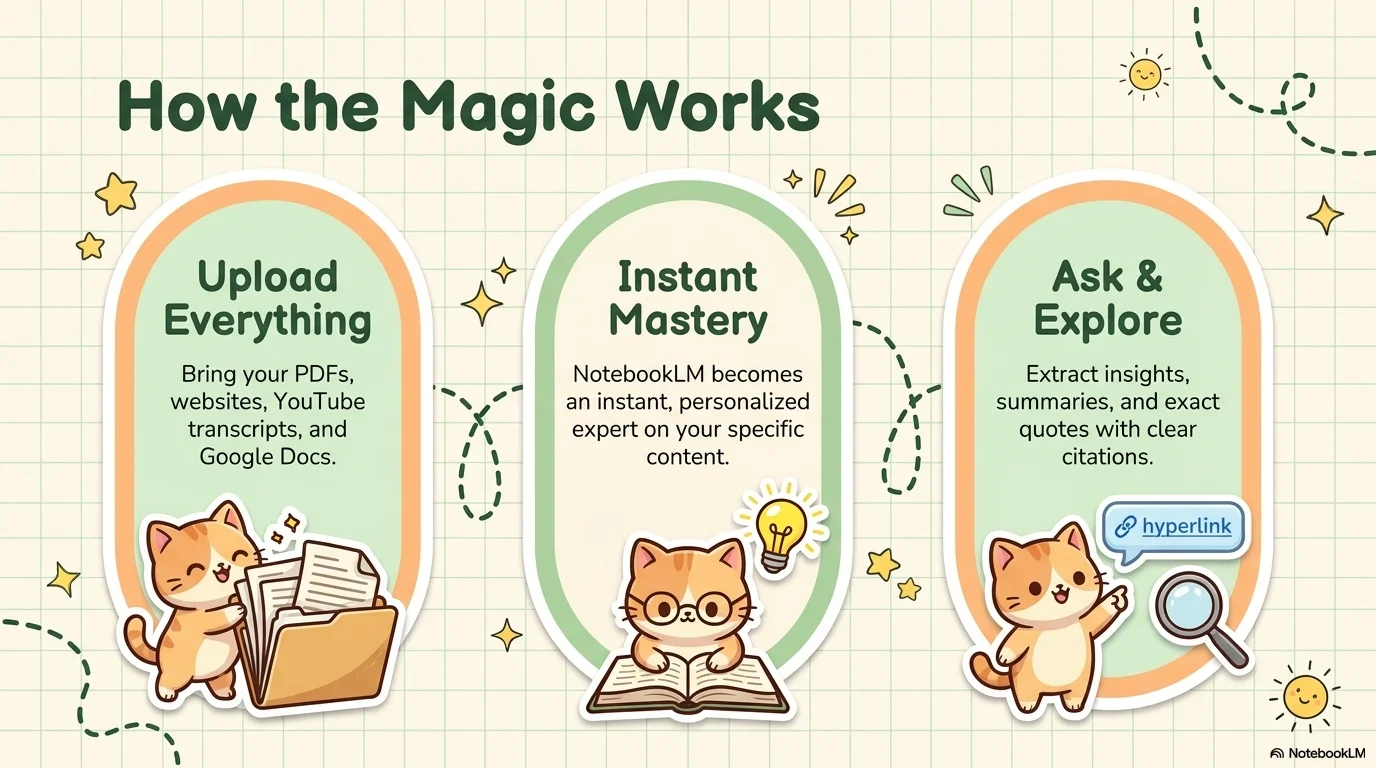
Playful, friendly, and ultra-cute 'Kawaii' aesthetic. Combines soft pastel colors with chubby cat character illustrations, hand-drawn stars, and notebook-style grid backgrounds.

Palette
- Primary
#4B6B4C - Text
#4B6B4C
Typography
- primary heading
- Super-bold rounded bubble font (e.g., DynaPuff, Luckiest Guy) for a friendly and impactful feel.
- secondary heading
- Clean, rounded sans-serif (e.g., Jua) for readability.
- body text
- Friendly rounded sans-serif (e.g., Quicksand, Comfortaa).
Key visual elements
- Chibi/Kawaii cat character illustrations in various expressive poses.
- Subtle green notebook-style grid patterns on background sections.
- Pill-shaped containers with large border radii for buttons and labels.
- Playful hand-drawn doodles (stars, sparkles, suns).
- Asymmetric and organic layout structures.
YAML
design_system:
  global_style:
    theme: "Playful, friendly, and ultra-cute 'Kawaii' aesthetic. Combines soft pastel colors with chubby cat character illustrations, hand-drawn stars, and notebook-style grid backgrounds. Designed for high engagement, informal workshops, and creative storytelling."
    typography:
      primary_heading: "Super-bold rounded bubble font (e.g., DynaPuff, Luckiest Guy) for a friendly and impactful feel."
      secondary_heading: "Clean, rounded sans-serif (e.g., Jua) for readability."
      body_text: "Friendly rounded sans-serif (e.g., Quicksand, Comfortaa)."
    color_palette:
      primary_color: "#4B6B4C"
      secondary_color: "#FFCC80"
      background_main: "#F7F8E0"
      background_accent: "#E8F5E9"
      text_main: "#4B6B4C"
      accent_rose: "#F48FB1"
    key_visual_elements:
      - "Chibi/Kawaii cat character illustrations in various expressive poses."
      - "Subtle green notebook-style grid patterns on background sections."
      - "Pill-shaped containers with large border radii for buttons and labels."
      - "Playful hand-drawn doodles (stars, sparkles, suns)."
      - "Asymmetric and organic layout structures."

  image_generation_prompts:
    style_guidelines: "Kawaii art style, chibi character design, soft pastel colors, clean vector illustrations, minimal shading, friendly and cute atmosphere, hand-drawn doodles."
    themes:
      - target: "Cat Character"
        prompt_elements: "Kawaii chubby cat character, round face, small eyes, soft orange and cream fur, happy expression, clean vector art, pastel background."
      - target: "Doodle Elements"
        prompt_elements: "Pattern of hand-drawn yellow stars and sparkles, simple crayon-like strokes, kawaii aesthetic, pastel colors."
      - target: "Notebook Background"
        prompt_elements: "Subtle green grid paper texture, soft pastel green lines, clean and minimalist, top-down view."

slide_layout_templates:
  - type: "Creative_Brainstorm"
    usage: "Opening slide for workshops or collaborative ideation sessions"
    components:
      - "Large Bubble Title centered with a dark green color"
      - "Visual: Large cat character on the right side"
      - "Grid: Subtle green notebook pattern in corners"

  - type: "Strategic_Play"
    usage: "Outlining goals or high-level objectives in a friendly way"
    components:
      - "Layout: Large character on the left looking at the text"
      - "Title: Rounded typography with star doodles around it"
      - "Background: Creamy eggshell with soft orange accents"

  - type: "Topic_Opening"
    usage: "Introducing a new chapter or specific problem statement"
    components:
      - "Layout: Centered text block with a 'Description' pill label"
      - "Visual: Small cats peeking from the top and side corners"
      - "Grid: Background slice with notebook grid texture"

  - type: "Interaction_Pill"
    usage: "Ice breakers or interactive questions for the audience"
    components:
      - "Layout: Split horizontal design with two large pill containers"
      - "Typography: Bold rounded headers"
      - "Visual: Multiple cat characters interacting with the pills"

  - type: "Question_Summary"
    usage: "Summarizing findings or listing key questions"
    components:
      - "Layout: Two-column text blocks at the base"
      - "Visual: Two large cat heads centered at the top as icons"
      - "Doodles: Scattered stars and sparkles around the text"

  - type: "Data_Insights"
    usage: "Presenting findings or specific notes within rounded blocks"
    components:
      - "Layout: Grid of large rounded orange rectangles"
      - "Visual: A cat character 'pointing' to the data"
      - "Background: Soft green grid slice on the left"

  - type: "Group_Discussion"
    usage: "Encouraging collaborative talk or Q&A sections"
    components:
      - "Layout: Wide asymmetric design with a large cat on the bottom left"
      - "Typography: 'Lets Discuss!' in bold dark green bubble font"
      - "Visual: Sparkle doodles highlighting the text"

  - type: "Decision_Node"
    usage: "Finalizing choices or voting on directions"
    components:
      - "Layout: Centered pill button with high-contrast text"
      - "Visual: Trio of cat characters at the base"
      - "Background: Mixed pastel blocks (green, cream, orange)"

  - type: "Final_Wrap"
    usage: "Summarizing the session and concluding"
    components:
      - "Layout: Centered bold title over a grid background"
      - "Visual: Group of cat characters at the bottom"
      - "Doodles: Large sun and star icons"

  - type: "Closing_Beat"
    usage: "Ending slide with social handles or parting words"
    components:
      - "Large 'THANK YOU' bubble title"
      - "Visual: Multi-cat farewell illustration"
      - "Labels: Pill-shaped social media handle box at the bottom"






Connect & Share